Invocket
 Landscaping
 Pressure washing
 Auto repair
 Junk removal
Made for contractors and one-truck businesses
Invocket is built around the way a job actually runs: estimate on site, invoice when the work is done, mark it paid when the money lands. Less time on paperwork, more time on the next job.
Why usSend a professional invoice in under a minute and write estimates that win the job. Built for the trades: everything is made on the phone, works with no signal (only AI estimates need a connection), and there is no account to create.
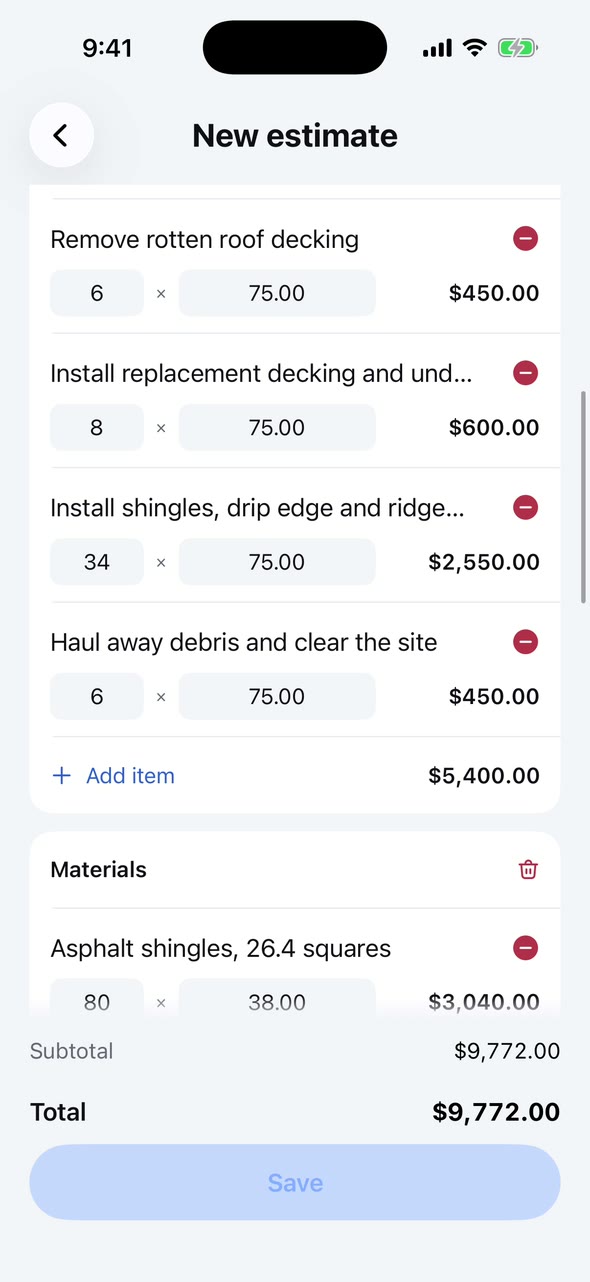
The estimate is written in the driveway, not at the kitchen table. Type the lines yourself or let AI draft them, add photos of the job, and send the PDF before you leave.
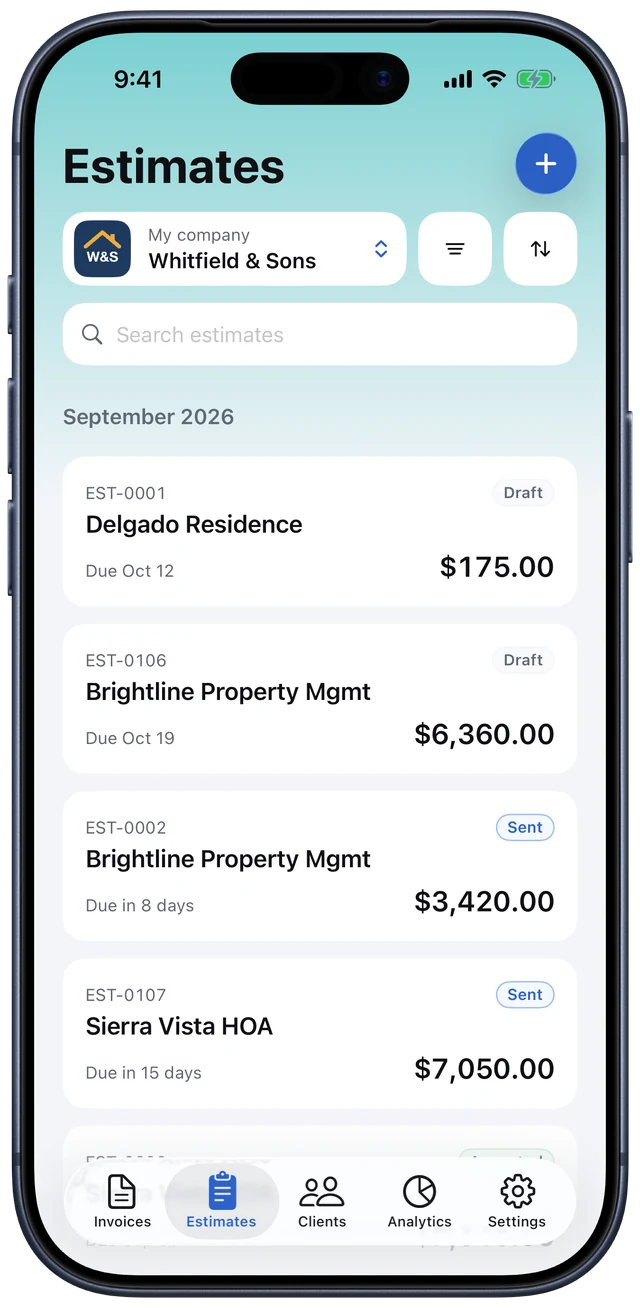
Their own EST numbering, your logo and template, line items grouped into sections with subtotals. Photos of the job print at the end of the PDF.
Estimates appDescribe the job in plain words, answer a few questions, and an itemized draft opens in the normal editor. You check every price before it goes out. Needs a connection.
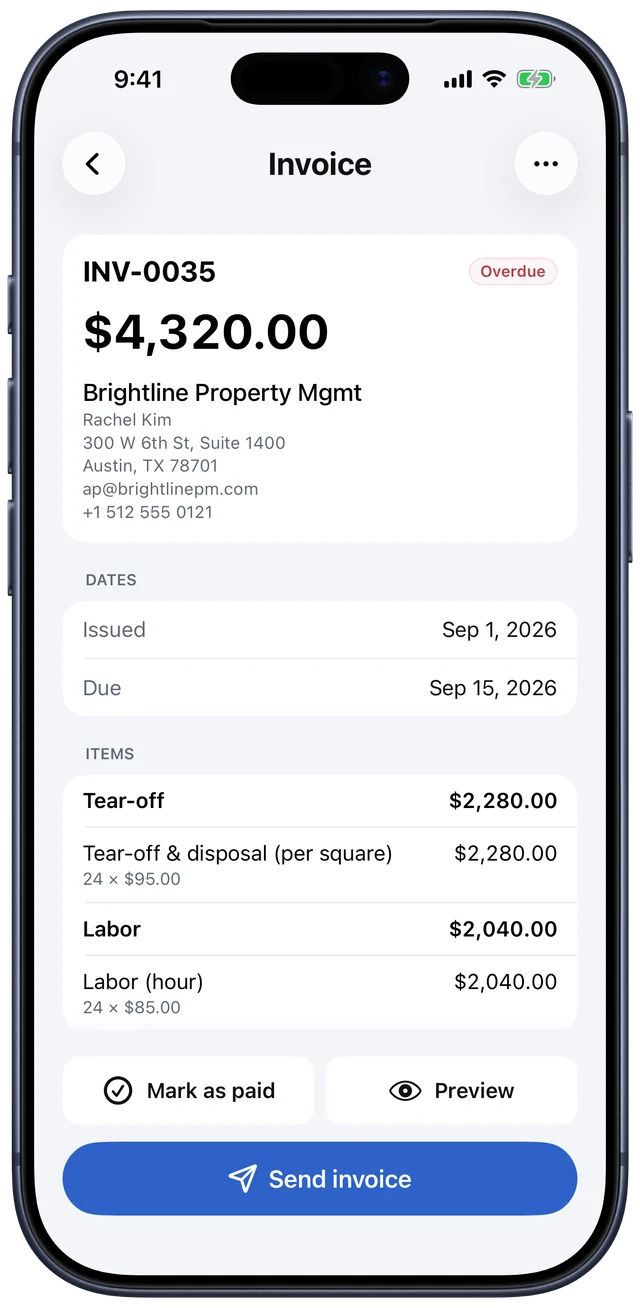
AI estimatesMark the estimate accepted when the client says yes, then turn it into an invoice: client, items, sections, tax and payment details carry over. Check it and save.
From estimate to invoiceDocuments are written to the phone, not to a server. Crawl spaces and dirt roads are working conditions, not outages.
Line items in sections with subtotals, one tax rate added on top or included, due dates, notes and terms. The PDF renders on the iPhone, identically every time.
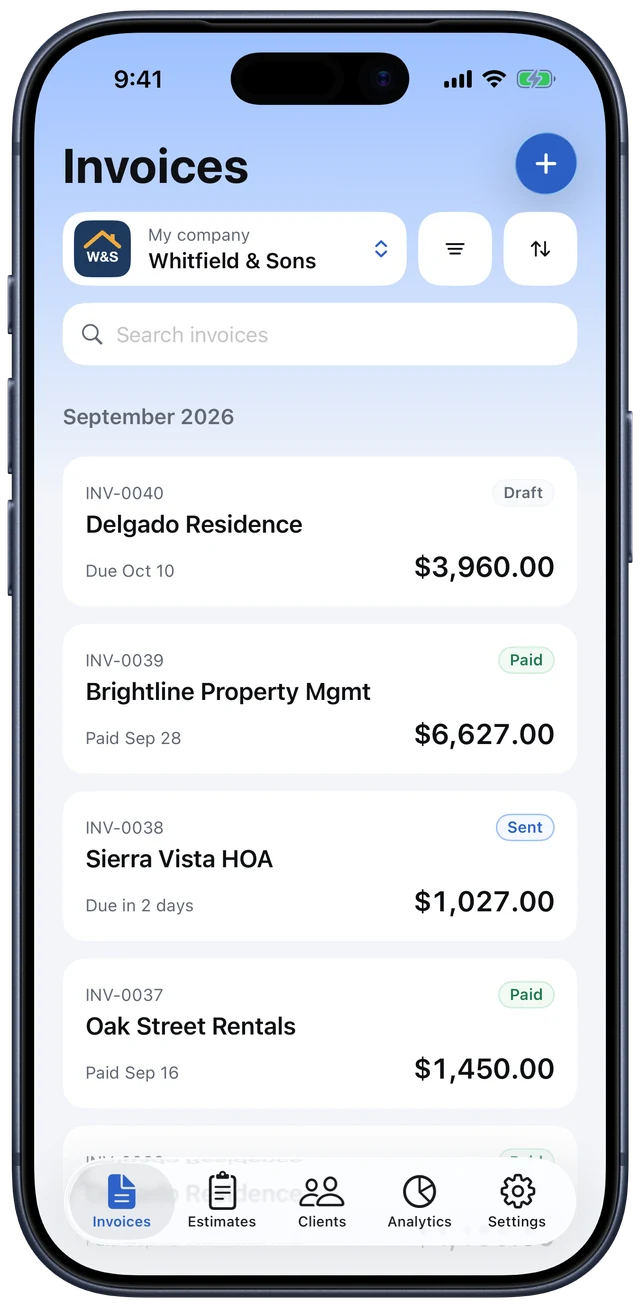
Invoicing softwareYour tax rate, due days, currency and payment details fill every new invoice. Saved clients drop in, or import them from contacts, and Duplicate copies a past job.
ClientsSix templates, your logo, accent color and stamp on every document. With Pro, run several companies from one phone, each with its own look and its own numbering.
Templates & brandingMonday morning starts with a call list, not a search through texts. Who owes, how much, how late, one currency at a time.
Your bank or PayPal details print on every invoice. When the money lands, one tap marks it paid, and the PDF gets a PAID stamp and the date, ready to send back.
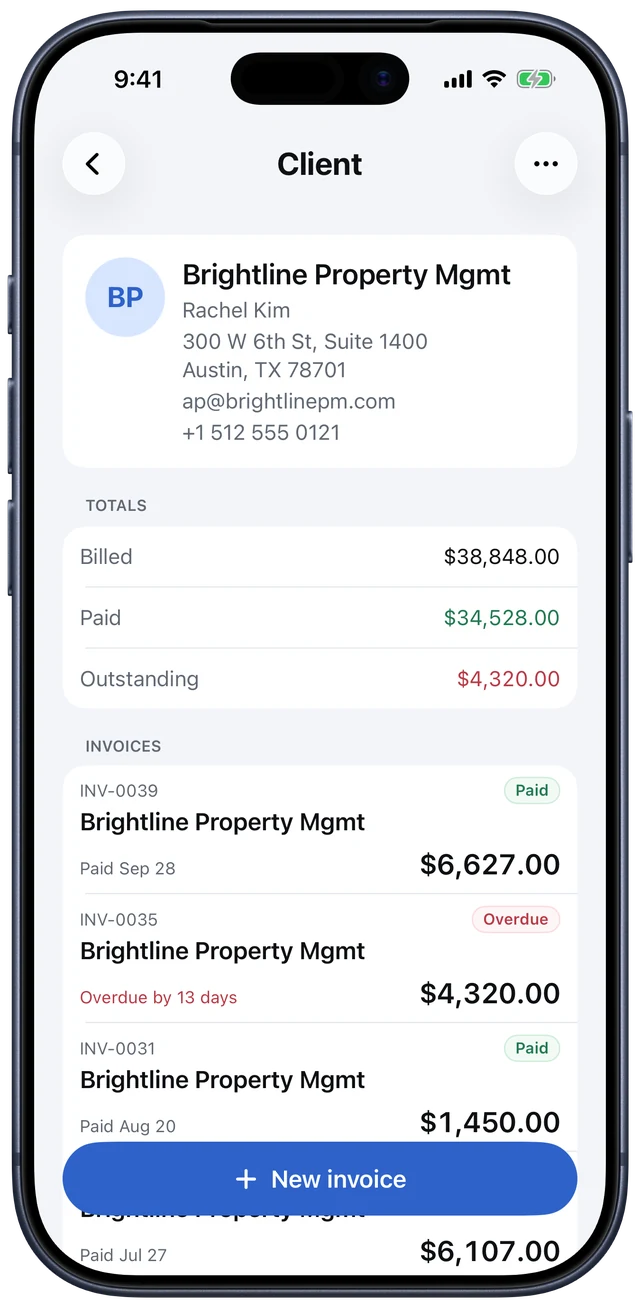
Getting paidEvery client shows billed, paid and outstanding, and each overdue invoice shows how many days late it is, so you know who to call first.
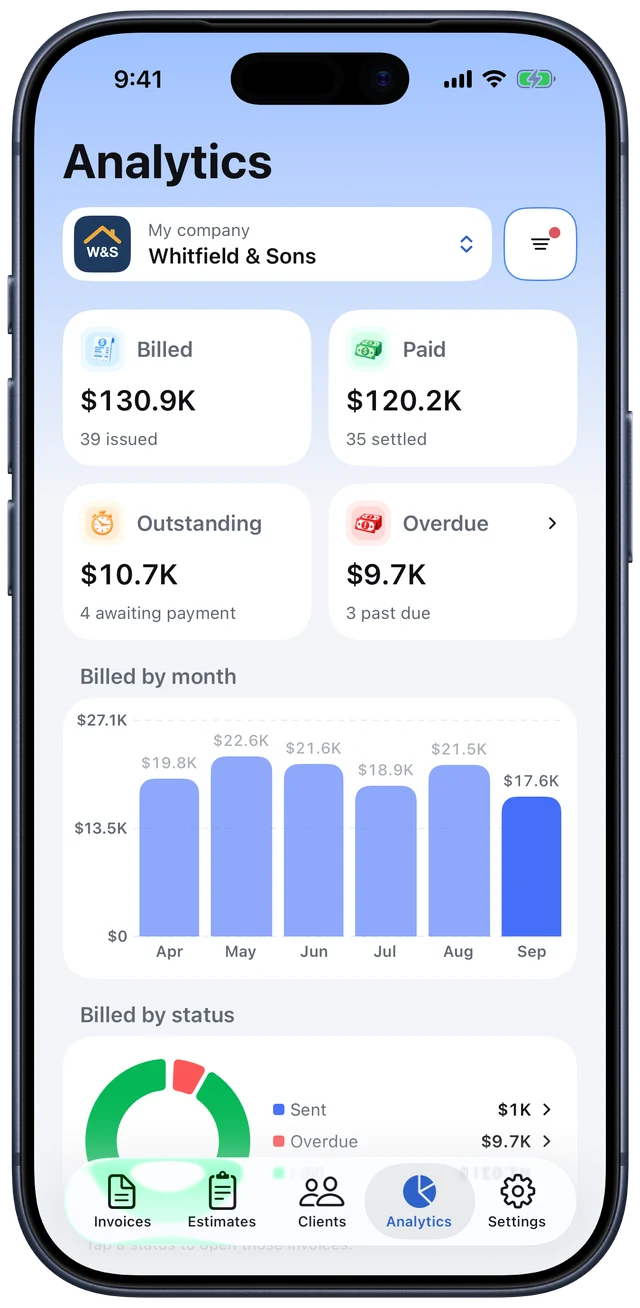
Client totalsBilled, paid, outstanding and overdue at a glance, a monthly chart of what you billed or collected, and how fast clients pay. Dollars are never added to euros.
Analytics
Estimate with AI
Type it the way you would tell a helper, answer a few quick questions, and Invocket drafts the estimate: groups, quantities and unit prices in the normal editor. You check the numbers, put your rates on it and send it.
Describe the job
Sizes, scope, what you supply.
Answer a few questions
Tap an answer or type your own.
Edit and send
Your prices, your terms, then send the PDF.
Included in the plan. Drafting needs a connection; everything else in the app works offline.

Invocket is built around the way a job actually runs: estimate on site, invoice when the work is done, mark it paid when the money lands. Less time on paperwork, more time on the next job.
Why us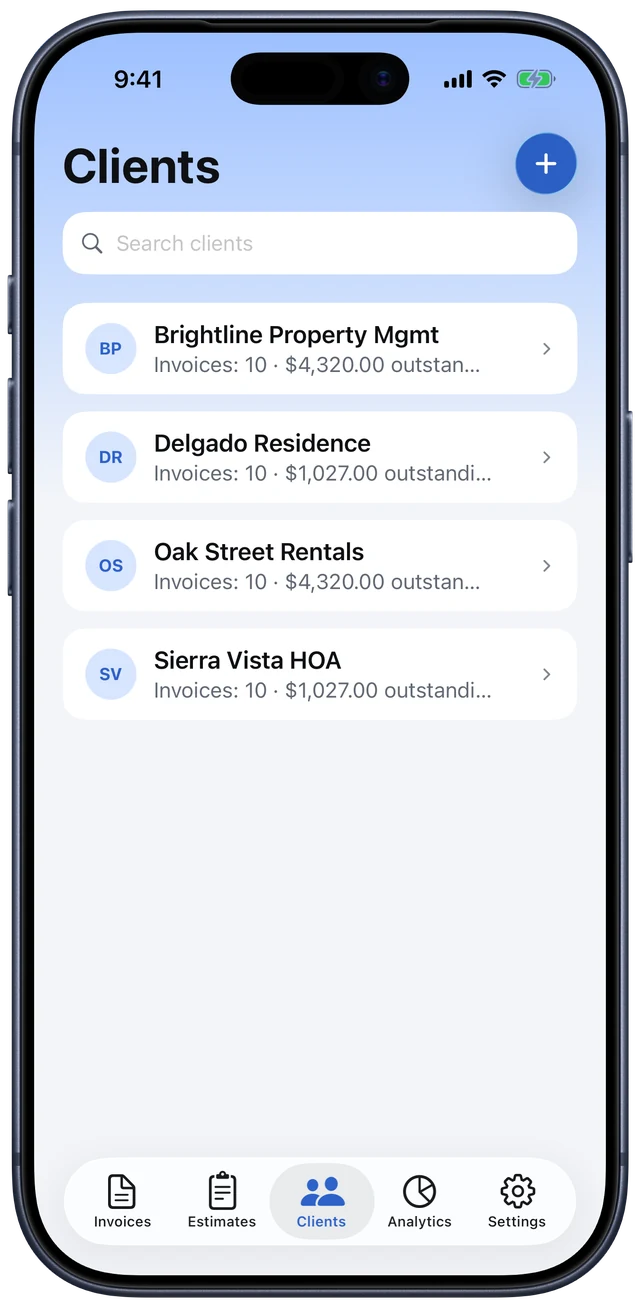
No signal · saved on this iPhone
Invoice #1042 will send when you are back in range.
Documents are written to the device, not to our cloud. No account, no password, nothing to verify, and if you cancel, everything you made stays on your iPhone, readable in the app.
How offline works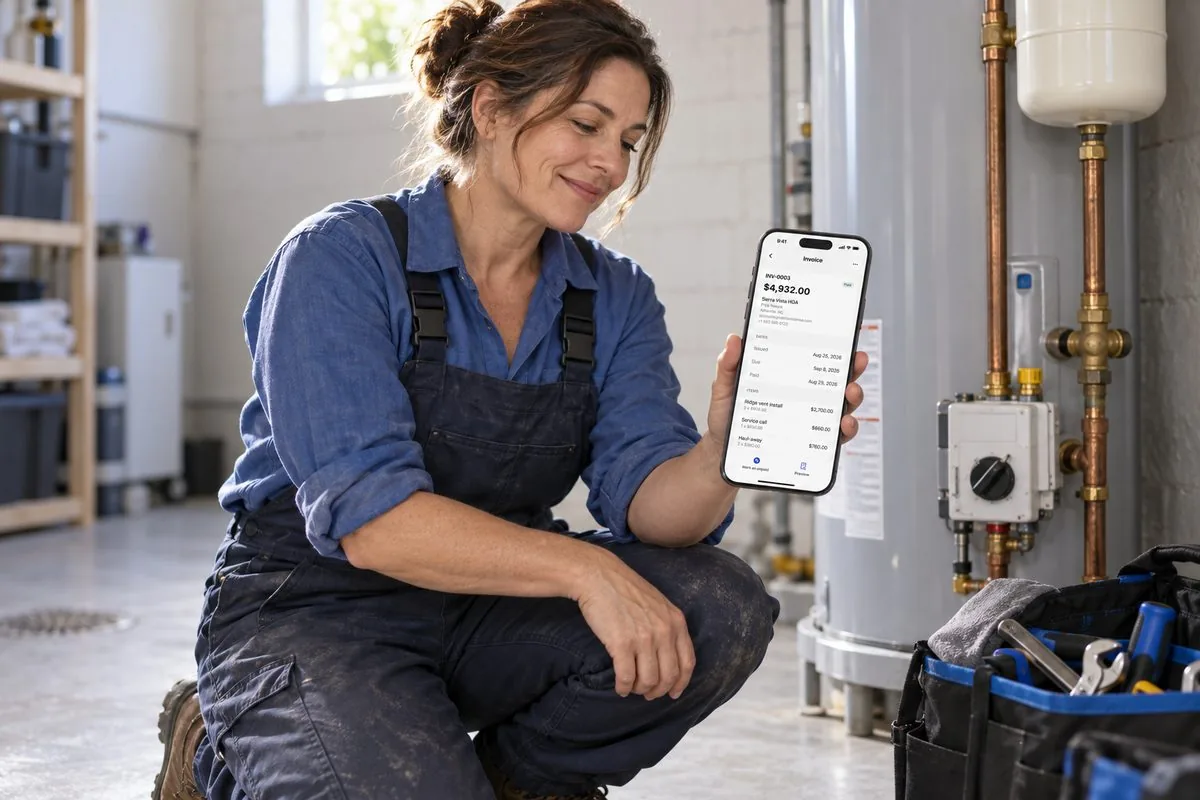
Current price ranges for roofing, concrete, cleaning, electrical, plumbing, painting and more, with the sources, so every estimate starts from a real figure.
Open the cost guidesWeekly
$8.99
per week
Yearly
$98.99
$1.90 a week
Free trial
One price for every document, every client and every company. No per-invoice fee, and no pro tier hiding the one feature you need.
See pricing CarpentryLabor, per hour
 ConstructionProgress draw, per milestone
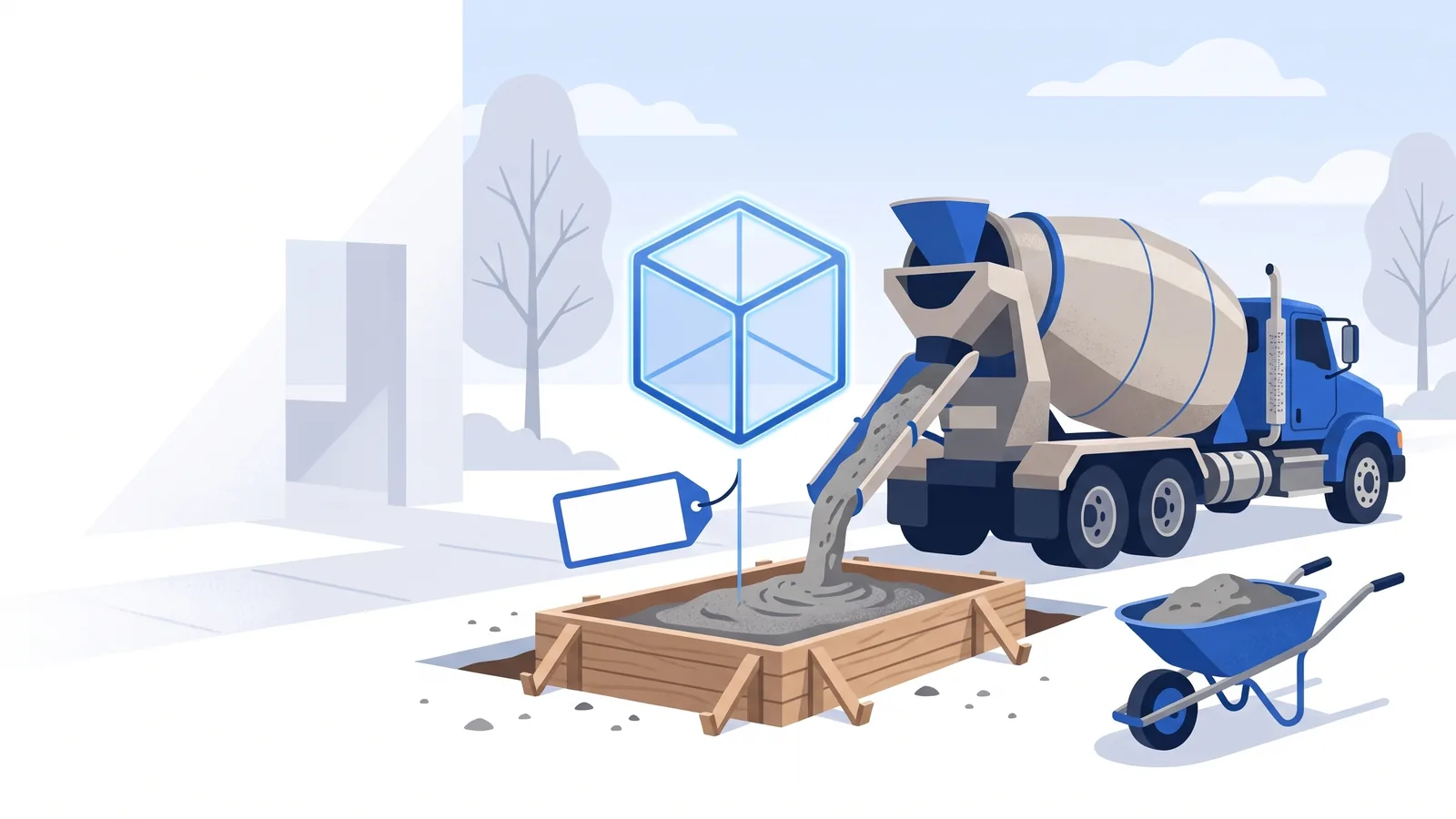
 ConcreteConcrete, per cubic yard
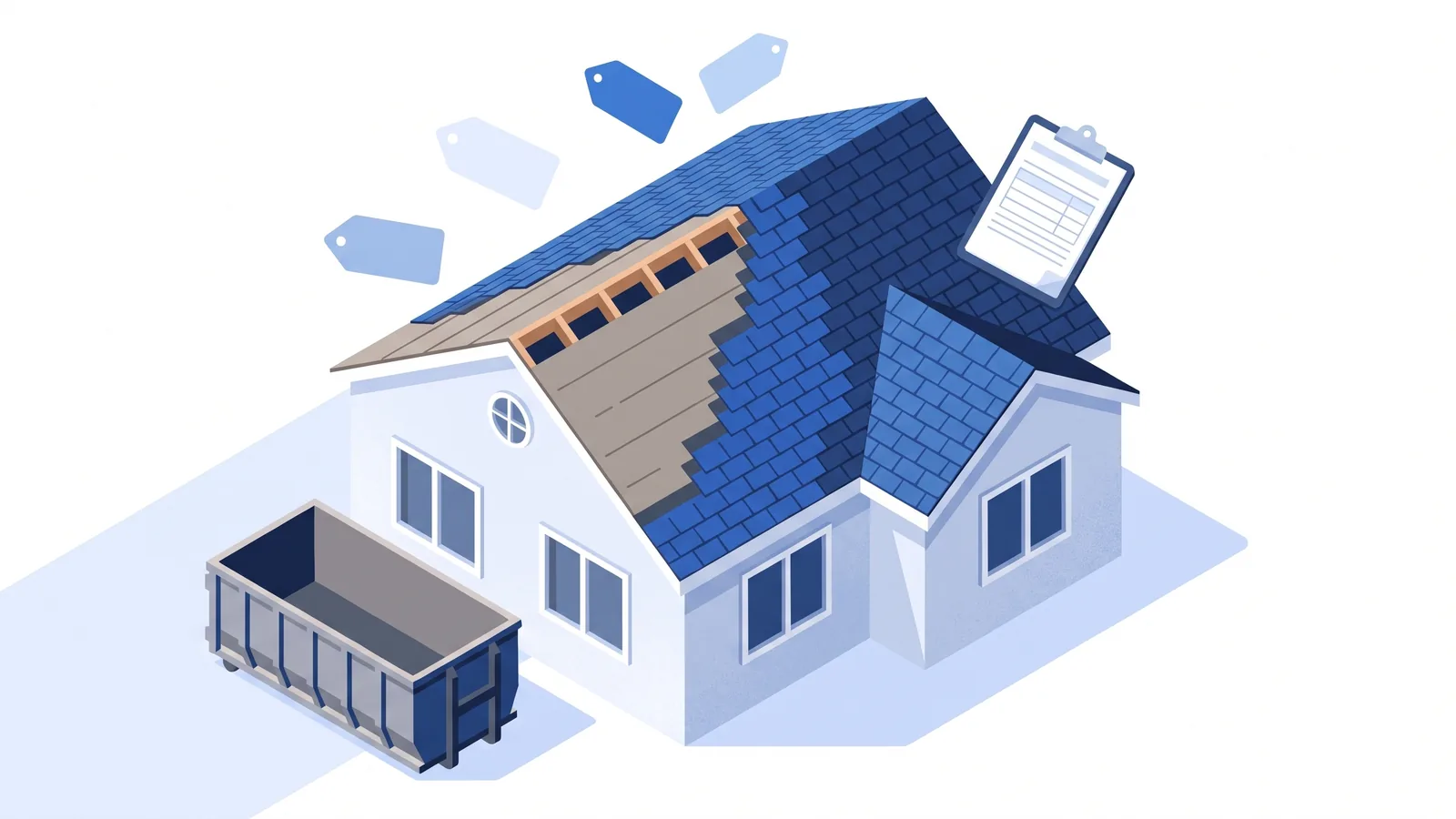
 RoofingTear-off & disposal, per square
 Lawn careMow, per visit
 ElectricalPanel upgrade, 200A
 HVACRefrigerant, per pound
 PlumbingAfter-hours call-out
 HandymanTrip charge
 CleaningMove-out clean
 FlooringInstallation, per sq ft
 PaintingInterior paint, two coats
Professional, easy-to-use templates for invoices, estimates and more, ready to download, fill in and send.
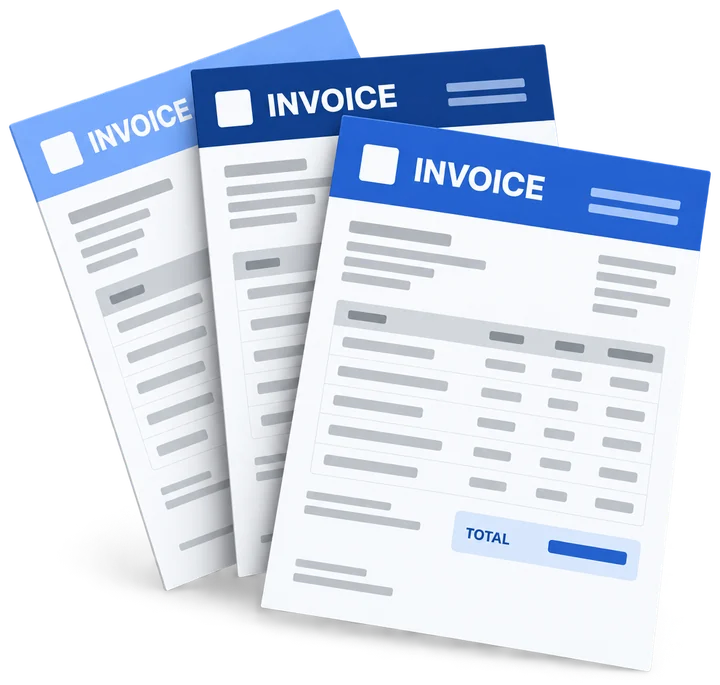
Invoice templates
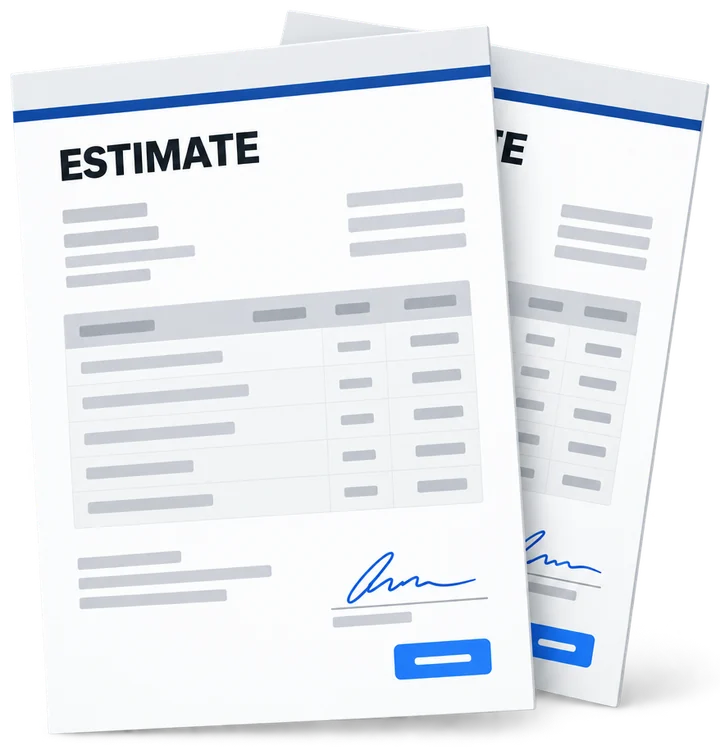
Estimate templates
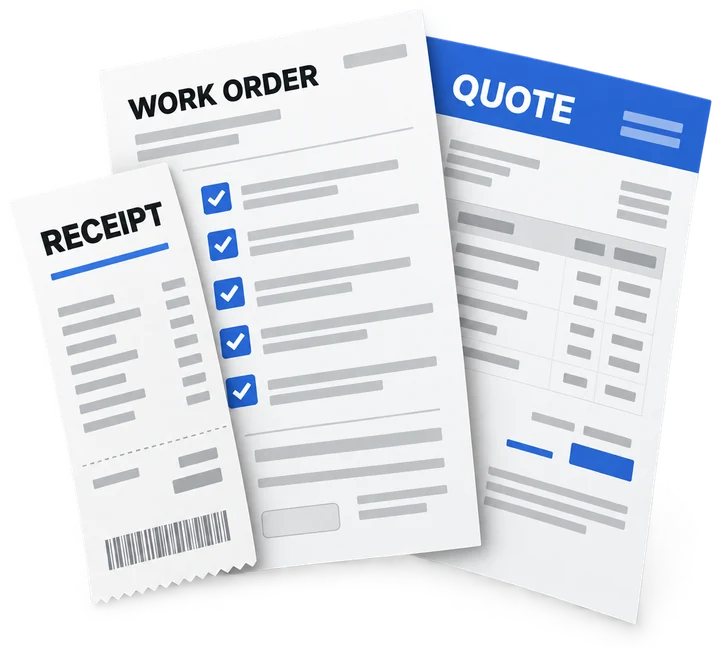
Receipts & other templates
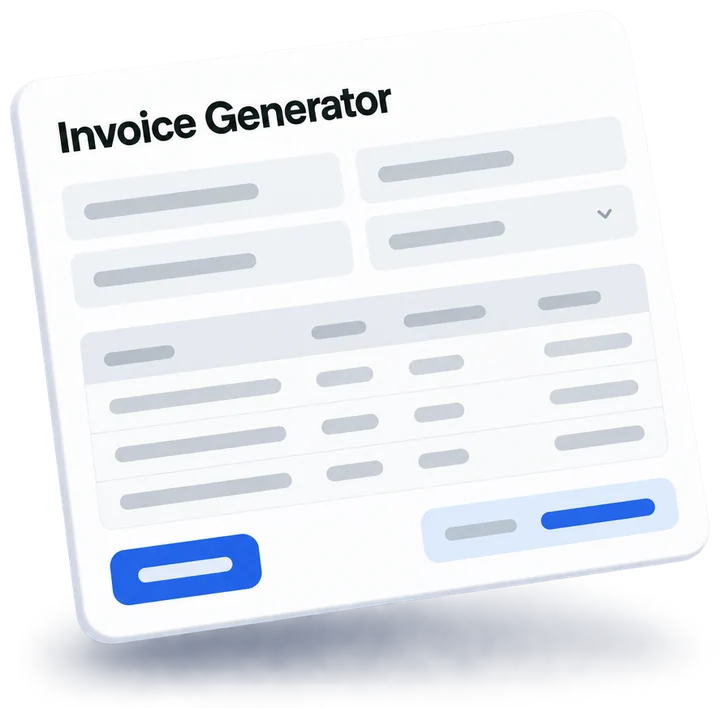
Invoice generator
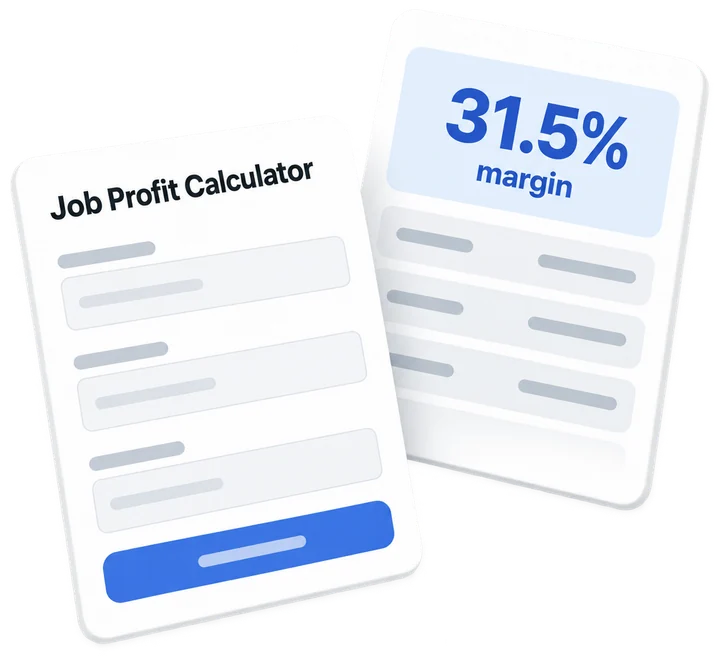
Job profit calculator
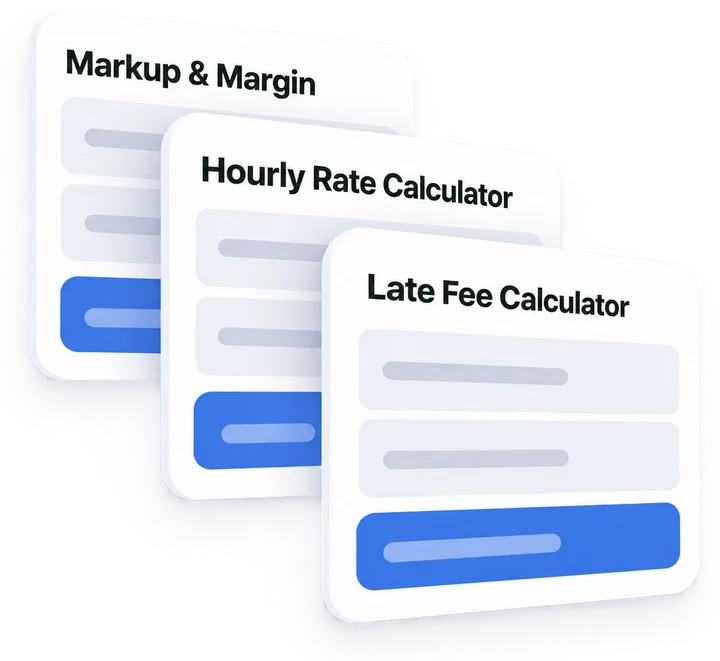
Other tools
Simple, free tools to price a job, check your margin and work out what a late invoice actually costs you.
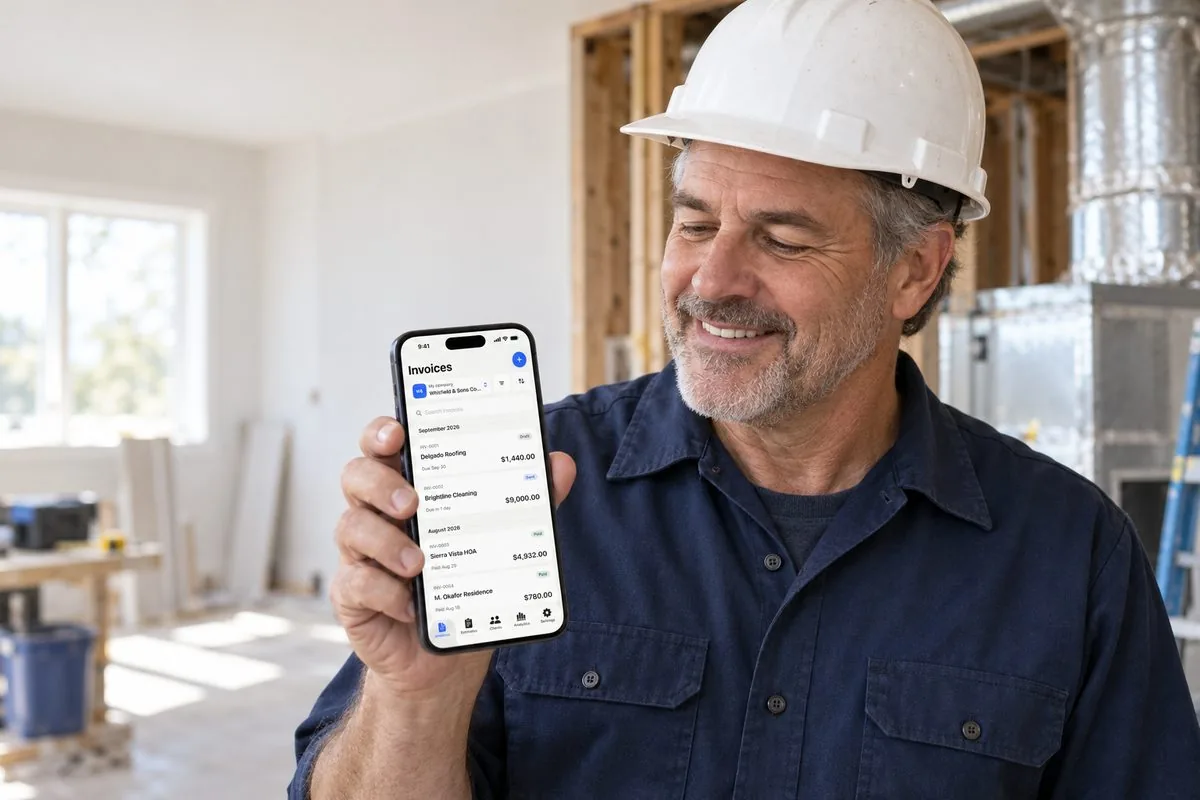
Every invoice, estimate and client, at one price. Both plans start with a free trial, are billed through the App Store and are cancelled from iPhone settings in two taps.
Full access
$8.99/ week
Save 79%
$98.99/ year ($1.90 / week)
Both plans start with a free trial and include everything: unlimited invoices, estimates, clients and PDFs, and several companies. Without a plan you can still try it: 3 invoices or estimates, 3 PDFs, 3 clients and 1 AI estimate. Billed through the App Store, cancelled from iPhone settings in two taps.
No. There is no sign-up, no email and no password. The app opens into an empty ledger and your records are stored on the phone itself. There is no cloud backup, so deleting the app deletes them.
Yes, for everything except Estimate with AI. Creating, editing, rendering the PDF and marking an invoice paid all happen on the device. Estimate with AI needs a connection, and so does delivering an email: Apple Mail sends it when you are back in range.
Yes, with a plan. Both the weekly and the yearly plan include unlimited invoices, estimates, clients and PDFs, plus several companies and Estimate with AI. Without a plan you can try the app with 3 invoices or estimates, 3 PDFs, 3 clients and 1 AI estimate. There is one plan, with no per-document fee and no higher tier.
Yes, with a plan. The free version has one company; with a plan you can run several, and each keeps its own logo, stamp, template, color, numbering series, tax rate, due days and payment details. A customer of one never sees the other, and the analytics are reported per company.
They stay on your iPhone, and you can still open, read and edit them in the app. Without a plan you are back on the free limits, which allow 3 invoices or estimates and 3 PDF exports in total, so do not count on exporting old documents later.
Yes. Each company has a default currency, and you can pick a different one on any invoice or estimate. Totals are always reported one currency at a time; the app will never add dollars to euros and show a number that means nothing.
No account to create, nothing to set up. Open the app and write the first estimate.
Analytics cookies
We use Amplitude to see which pages help people find Invocket. Never for ads. Cookie policy