On this page
To get more local handyman leads, start where homeowners look: complete your Google Business Profile, ask every customer for an honest review, join neighborhood groups, contact past customers, and build referral relationships. Add low-cost visibility with your truck, signs, door hangers, paperwork, and a one-page website. Pay for leads only when you have open days and can track the cost of each booked job.
Before you market: decide your service area, services and minimum job
Write down the towns or neighborhoods you serve, the jobs you want, and the smallest job that makes a trip worthwhile. Your minimum might be a trip charge, a minimum labor amount, or a short list of small jobs you bundle. Set it from your costs and schedule. A clear boundary keeps you from driving across town for work that cannot cover travel, setup, and labor.
List only services you actually take on, such as door repairs, fixture replacement, drywall patching, or furniture assembly. Do not advertise regulated work unless you are qualified and allowed to perform it where you operate. Licensing rules vary by state and locality; check the state contractor licensing board and local requirements. Use the handyman rates guide and hourly rate calculator to set a minimum that supports your work hours.
Free, do these first
1. Complete your Google Business Profile
Fill in your business name, phone, hours, service list, service area, and website. Add real photos of finished work and your vehicle, with the customer’s permission. Update details when your services or hours change, and answer questions accurately. Google Business Profile Help says, “If you don’t serve customers at your business address, such as for a service-area business, you can choose to not show your address and list your service area instead.” Use that setting if customers do not visit your address, and list only places you serve.
2. Ask for an honest review at the door
When the customer has checked the finished work, ask for an honest review. Send the link then or in that day’s closeout message: “Thanks for having me handle the repair. If you have a moment, please leave an honest review here: [link].” Ask every customer the same way; do not suggest a rating or ask only happy customers. Google’s Maps user-generated content policy prohibits incentives and review gating, including selectively soliciting positive reviews or discouraging negative ones. The FTC’s rule on consumer reviews and testimonials, in effect since October 21, 2024, bans fake reviews, sentiment-conditioned incentives, and suppressing negative reviews through threats or intimidation. Read the Google review policy and the FTC rule on reviews and testimonials.
3. Participate in Nextdoor and local Facebook groups
Nextdoor for Business offers local businesses a free Business Page; paid ads are optional. Add your service area and contact details. Join neighborhood Facebook groups using your business identity and follow their rules. Answer questions with useful, specific guidance. Skip copy-paste pitches and unsolicited messages. A clear answer about a repair can help neighbors remember you when they need the work.
4. Contact repeat customers
Keep a list of past customers, work completed, and when you last spoke. With permission to contact them, send a short spring or fall note when you have openings. For example: “Hi [Customer name], I have a few openings next week for small repairs in [town]. If something is on your list, reply with a photo and I can tell you whether it is a fit.” Mention work you do, make it easy to decline, and stop messages when asked.
5. Build referral partners
Introduce yourself to real estate agents, property managers, cleaners, and trades who see small repair lists. Explain your service area, accepted jobs, and how to send details. Bring cards or send a short note they can forward. Communicate about access or material problems and send closeout notes promptly. Ask about vendor requirements, and do not promise a schedule you cannot keep.
Cheap, high return
6. Put simple lettering on your vehicle
Use your business name, the word “handyman,” a phone number, and the main towns you serve. Keep lettering readable from the street instead of listing every task and social account. Ask the customer before leaving your vehicle visible on their property. If a full wrap costs too much, start with lettering you can update if your number or service area changes.
7. Use yard signs with permission
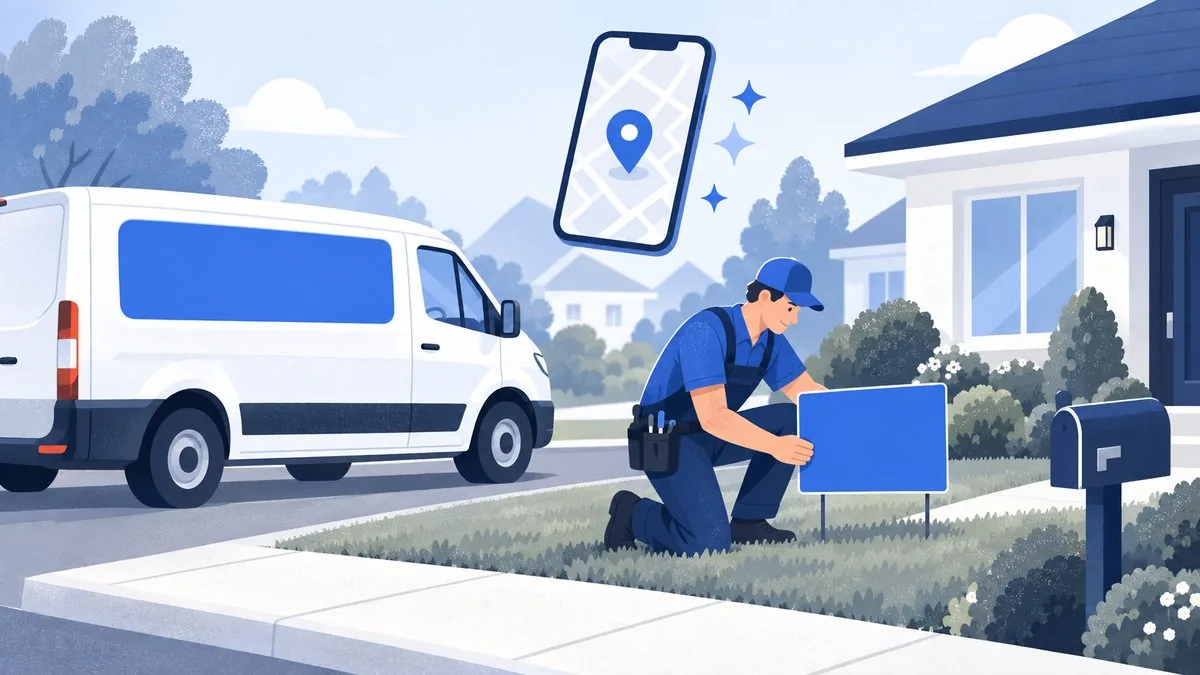
For a job that takes more than one visit, ask the homeowner whether you may place a small sign nearby. Include your name, phone number, and a short service description. Avoid blocking a sidewalk or sightline, and remove the sign when the work is done. Check local sign rules and neighborhood restrictions. Record the address and dates so you can connect calls to that job.
8. Leave door hangers on the street where you are working
Print a small batch and take them to nearby homes while you are already in the neighborhood. State that you are working nearby, name a few jobs you handle, and give one contact method. “Handyman working on Oak Street this week” is specific if true. Respect no-soliciting notices and local rules, and never put a hanger in a mailbox. Record the date, street, and number distributed to compare routes.
9. Make estimates and invoices easy to share
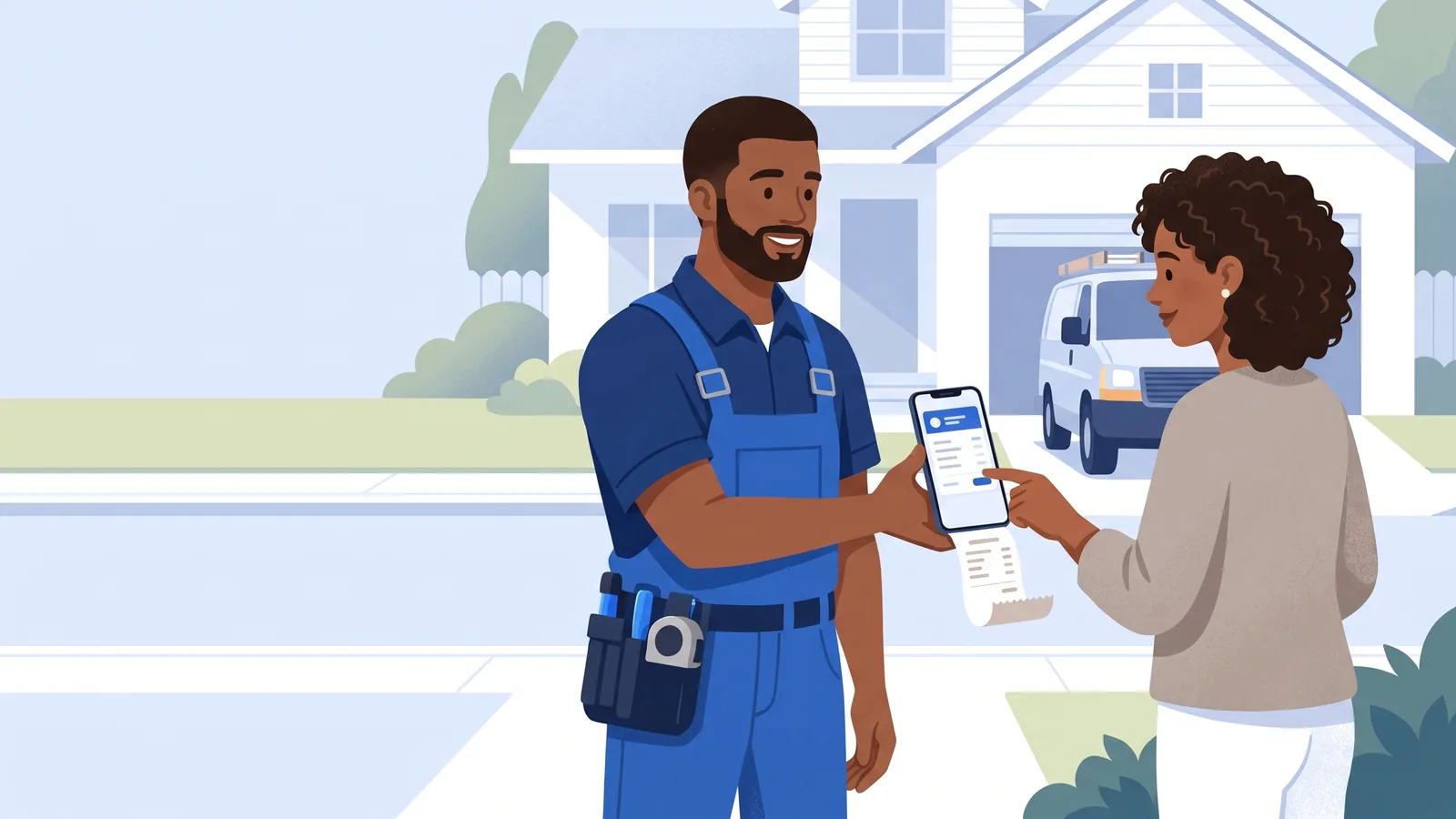
Use the same business name, phone number, and basic branding on every document. A homeowner may forward an estimate to a spouse, landlord, or property manager, so make the scope and next step clear. Read how to write estimates that win jobs, and start with a handyman estimate template or handyman invoice template. Send documents promptly and put follow-up dates on your calendar. The handyman invoice and estimate app page describes one phone-based option.
10. Publish a one-page website
Answer the homeowner’s first questions: where you work, what jobs you accept, how to reach you, and what your finished work looks like. Put a tap-to-call number near the top, add real photos, and list service-area towns and hours. Publish the basics, test the page on your phone, and keep the business name and phone consistent with your Google profile.
Paid, when you have capacity
11. Try Google Local Services Ads
Test Local Services Ads only when you have open days and can answer promptly. Google says you “pay only for leads related to your business and the services you offer,” not per click. Eligibility and lead costs depend on the business and location, so check current terms before setting a cap. Since October 2025, the former “Google Guaranteed” and “Google Screened” badges are replaced by one “Google Verified” badge, earned after Google’s screening. See Google’s Local Services Ads help page. Select only services you provide and track which leads become jobs.
12. Test lead marketplaces carefully
Platforms such as Thumbtack or Angi may connect you with people seeking repairs. Check current fee terms: whether leads are shared, when a charge applies, how refunds work, and how to pause spending. Start with a small budget and a narrow job list. Confirm the town, task, photos, and timing before preparing a quote. Log fees for unsuitable inquiries too, then compare the cost per won job with other sources.
13. Mail postcards after a visible job
Choose a small area around a completed project and mail a postcard with a permitted before-and-after photo, a short description, your phone number, and the neighborhood. “Taking small repair calls in [town] this month” is more specific than a broad promise. Do not show the customer’s address or personal details. Record printing and postage as campaign costs. Try a small mailing first and use a distinct phrase or QR link to identify calls.
14. Sponsor a local team or event
A team banner or event listing may make your name familiar, but it may not bring an immediate call. Ask what the sponsorship includes, where your name appears, how long it stays visible, and whether you can provide cards. Choose a group in your service area and set a fixed amount you can afford. Use a distinct contact link or source label. Before renewing, check whether it brought leads and whether the visibility justified the cost.
15. Offer seasonal scheduling, not a rushed discount
Contact past customers when a seasonal job fits the calendar. In fall, mention small exterior repairs; in spring, mention deck or gate work. Offer real appointment dates rather than a made-up deadline. Group nearby jobs on the same day, or ask customers to send photos before deciding whether a visit is useful. Before discounting, calculate the effect on labor and travel. Read how to price a job and flat-rate versus hourly pricing.
What a lead really costs
Divide campaign spend by leads received for cost per lead. Divide spend by jobs won for cost per job. Compare the job cost with revenue and labor time, not just the total collected. These are example numbers, not typical results or a promise.
Suppose you spend $600 in a month on paid leads and get 20 leads. Cost per lead is $600 divided by 20, or $30. If 6 become jobs averaging $450, cost per job is $600 divided by 6, or $100. That’s 22.2% of average job revenue, rounded to 22%. Labor, materials, travel, and overhead still come out of the remaining $350.
For an example door-hanger run, 250 hangers at $0.40 each cost $100. If they bring 3 calls and 2 jobs at $300 each, cost per job is $100 divided by 2, or $50. Cost per lead is $100 divided by 3, or $33.33. The two jobs bring $600 in revenue before labor and materials. Include your distribution time when comparing this source with paid leads.
A 90-day plan
Build free sources before paying to fill an already full calendar. Set aside a recurring block for marketing and time to answer calls and follow up. If you cannot take more work, adjust the pace.
| Weeks | Do this | Time needed |
|---|---|---|
| 1 | Choose your area, accepted jobs, and minimum. Complete your Google Business Profile and check its address settings. | 2-3 hours |
| 2-3 | Ask for honest reviews, set up Nextdoor, join local groups, and make a past-customer list. | 1 hour setup, then 15 minutes weekly |
| 4-5 | Contact past customers and introduce yourself to three potential referral partners. | 1-2 hours weekly |
| 6-7 | Add vehicle lettering or a sign. Test a door-hanger route near a current job and record responses. | 2 hours setup, then 30-60 minutes per route |
| 8-9 | Publish a one-page website and update estimate and invoice branding. Test phone links. | 2-4 hours |
| 10-11 | Review leads, jobs won, revenue, and time by source. Pause paid sources that do not produce suitable work. | 45 minutes |
| 12-13 | If you have openings, test one paid source with a fixed cap. Keep useful free activities in your weekly routine. | 1 hour setup, then 15 minutes weekly |
Track where every job came from
Ask each new caller, “How did you hear about me?” Record the answer at first contact, then update it when the job is won and revenue is known. Use the same source names each time: Google profile, past customer, referral, door hanger, or paid lead. If two sources played a part, note both and which prompted the call.
These example rows show the format, not a forecast. Cost per job is source cost divided by jobs won. Leave the cost-per-job cell blank when a source has not produced a job.
| Source | Cost this month | Leads | Jobs won | Revenue | Cost per job |
|---|---|---|---|---|---|
| Google profile | $0 | 8 | 3 | $1,050 | $0 |
| Paid lead ads | $600 | 20 | 6 | $2,700 | $100 |
| Door hangers | $100 | 3 | 2 | $600 | $50 |
| Referral partners | $25 | 2 | 1 | $450 | $25 |
Review the table monthly and note hours spent maintaining each source; a $0 cash cost does not make your time free. Many inquiries can still mean poor results if few book or the jobs are too far away. Pause spending when leads do not turn into suitable work.
Turn leads into paid jobs
Respond when you can give the caller your attention. Ask for the town, task, useful photos, and timing. Say plainly when the work is outside your service list or requires a licensed trade. If a site visit is needed, set a time and explain what you will confirm before sending an estimate.
Make the estimate specific about included work, materials, exclusions, schedule assumptions, and payment steps. Use a written change order if the scope changes. Before starting, agree on access and who supplies materials; record any deposit and start date. Finish with an invoice and a receipt when paid. Use the guide to getting paid faster to set up closeout. Prompt paperwork gives the customer a clear next step.
FAQ
How do I get handyman clients without paying for ads?
Complete your Google Business Profile, ask all customers for honest reviews, participate helpfully in neighborhood groups, and contact past customers. Introduce yourself to referral partners and record which sources produce booked work.
What is the best way to advertise a handyman business?
Start with a clear service area and a complete online profile, then add signs or door hangers near current jobs. Compare suitable booked jobs and their cost, not just views or calls. Choose the channel that fits your area and schedule.
Are Google Local Services Ads worth it for a handyman?
They may be worth a limited test if you have open days and can respond to inquiries. Google says you pay for leads related to your business and offered services, not clicks. Track cost per won job and stop or adjust if results do not cover your costs.
How many reviews should a handyman ask for?
Ask each customer for an honest review with the same neutral request. Do not offer an incentive, ask for a positive rating, or pressure someone who declines. Google prohibits selectively soliciting positive reviews.
How can I get more handyman jobs in a slow month?
Contact past customers with a seasonal service and ask referral partners about suitable work. If you still have open days, test one paid source with a fixed budget. Record each inquiry and job to see whether it fills the calendar at a workable cost.

About this page
Invocket Editorial
Written by the team that builds Invocket, an invoicing app for contractors. We check prices and rules against published sources, name them on the page, and update the page when they change. How we write and check these pages.