 Invocket
Free invoice templates
Contractor invoice templates
Free invoice templates for contractors and one-person trades. Download a blank for Word, Excel, Google Docs or PDF, or pick your trade and start with its line items already filled in. No sign-up, no watermark.
Invoice templates by trade
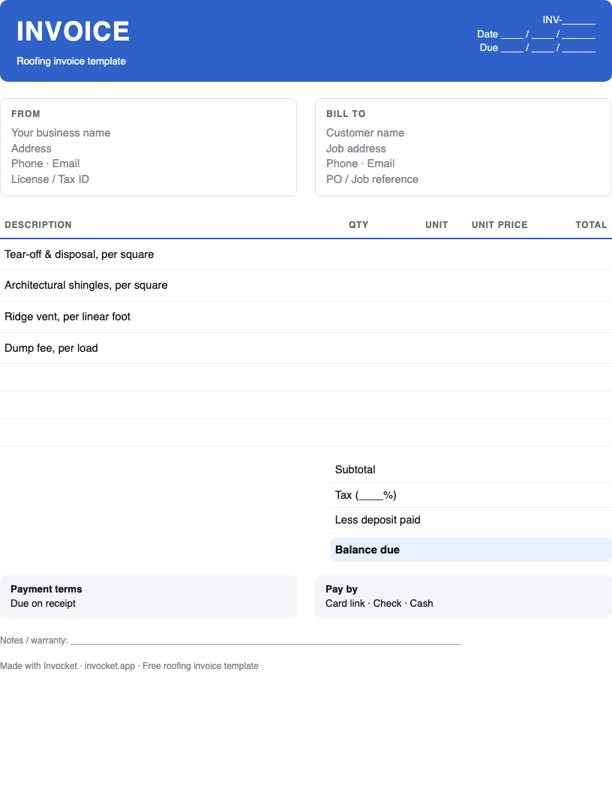
Roofing invoice template
Word, Excel, PDF →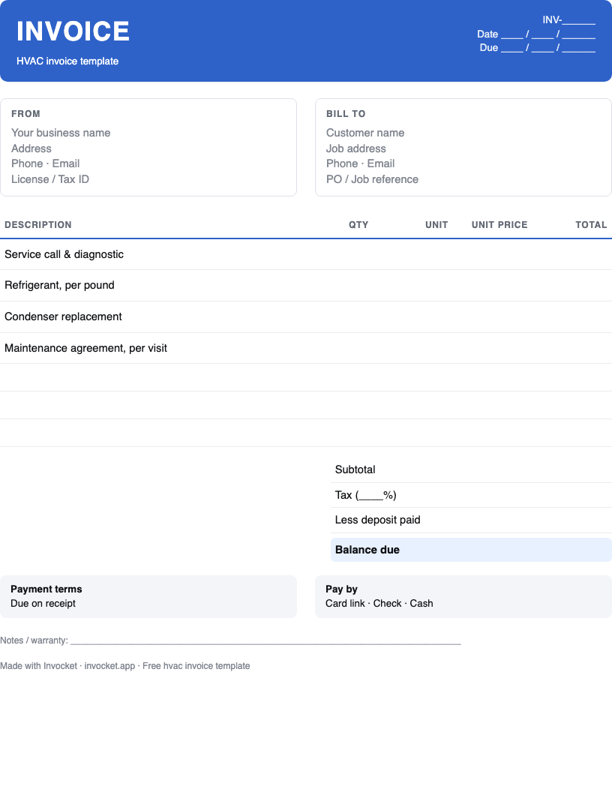
HVAC invoice template
Word, Excel, PDF →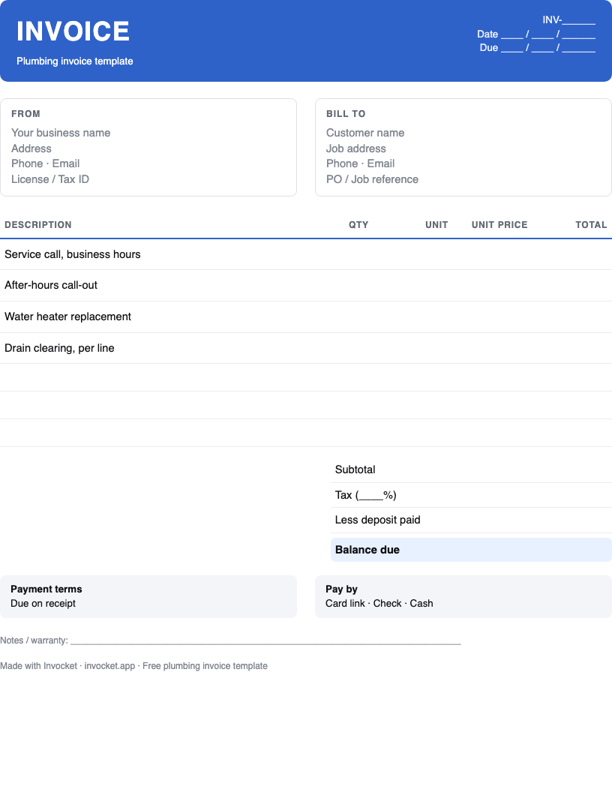
Plumbing invoice template
Word, Excel, PDF →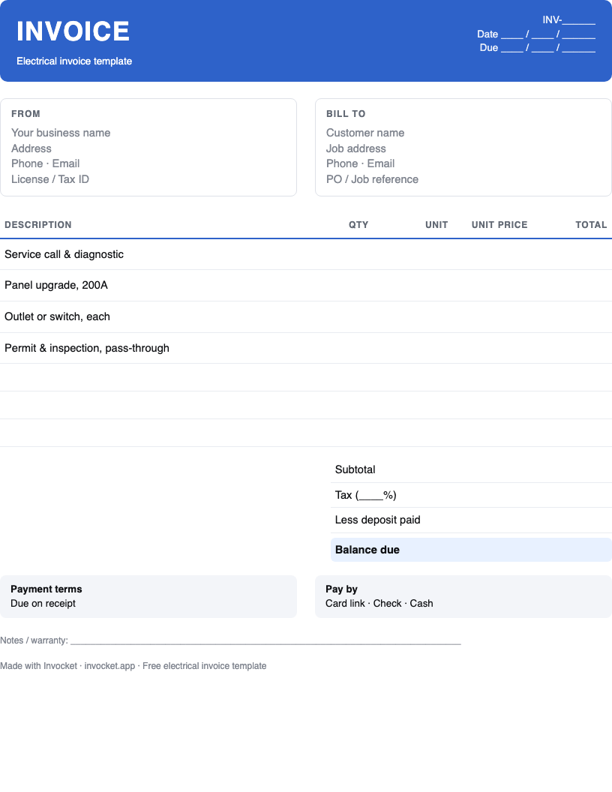
Electrical invoice template
Word, Excel, PDF →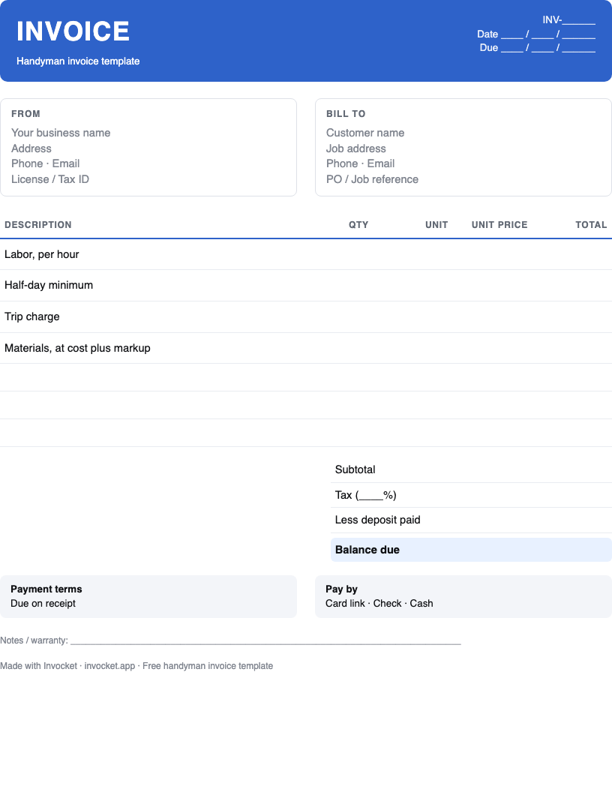
Handyman invoice template
Word, Excel, PDF →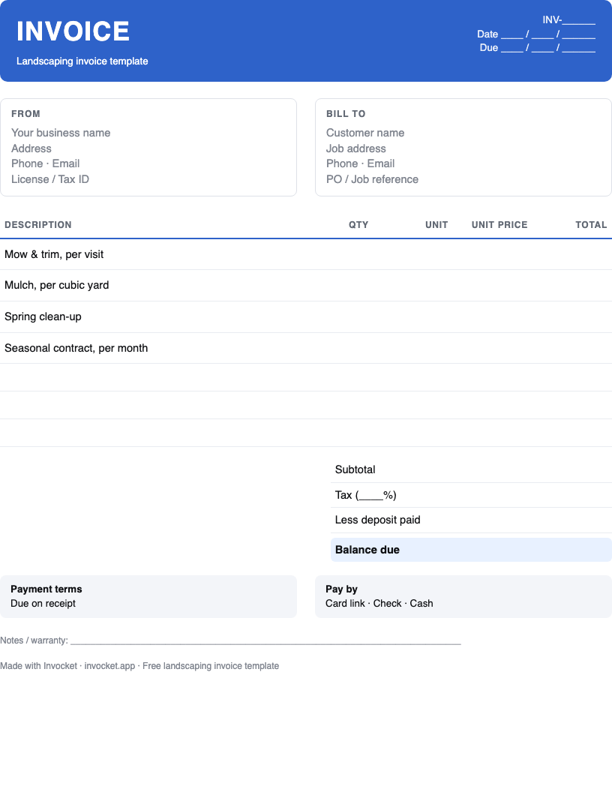
Landscaping invoice template
Word, Excel, PDF →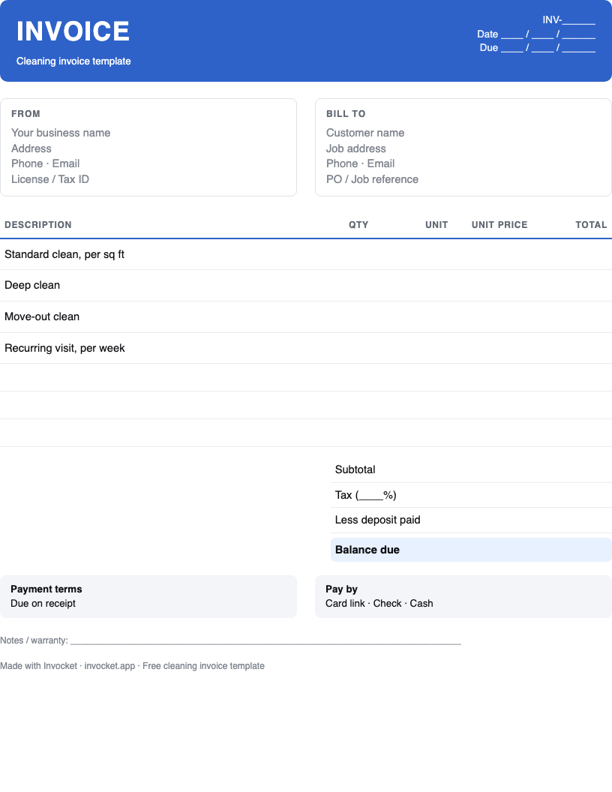
Cleaning invoice template
Word, Excel, PDF →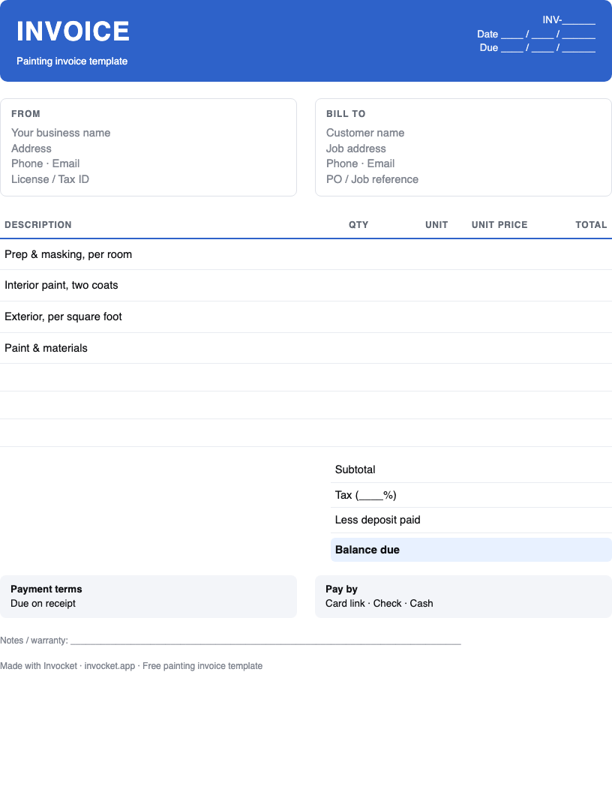
Painting invoice template
Word, Excel, PDF →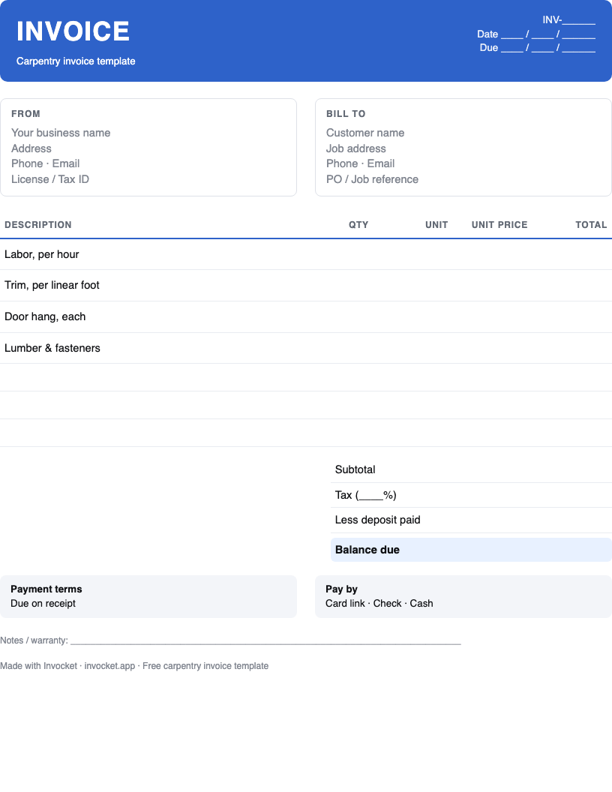
Carpentry invoice template
Word, Excel, PDF →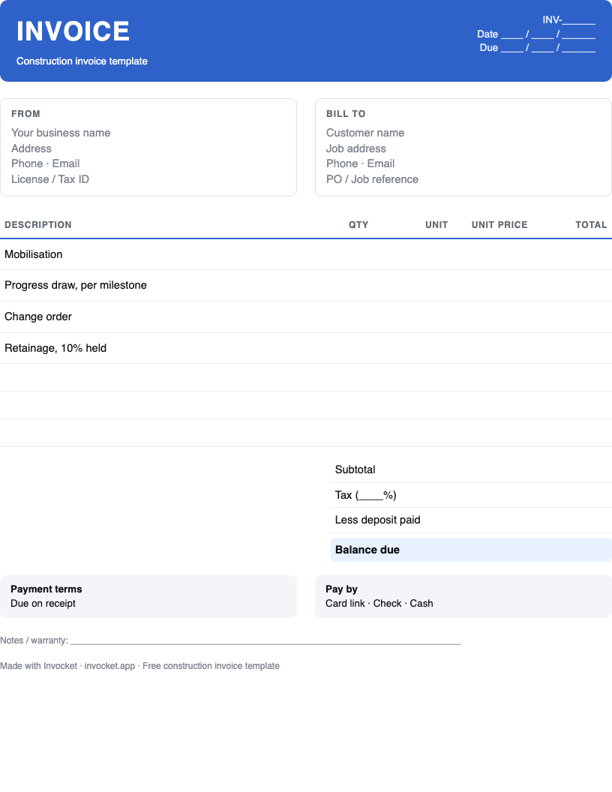
Construction invoice template
Word, Excel, PDF →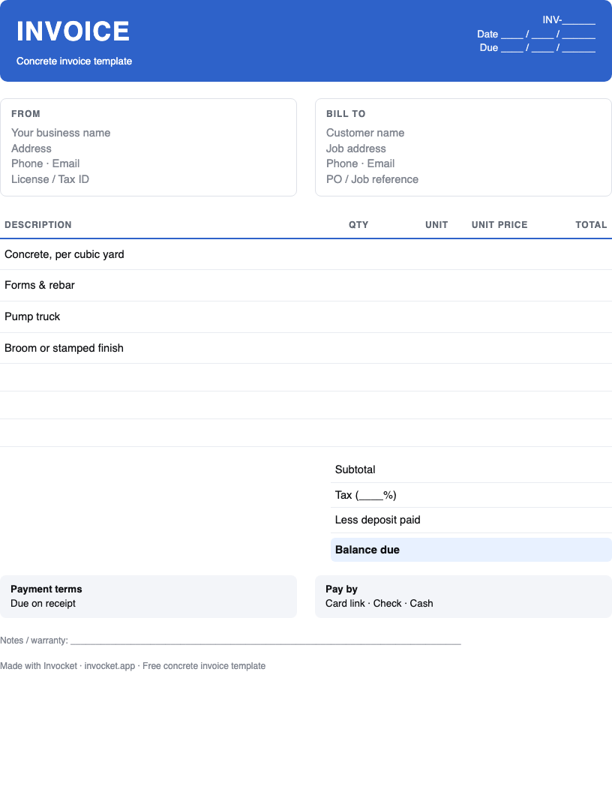
Concrete invoice template
Word, Excel, PDF →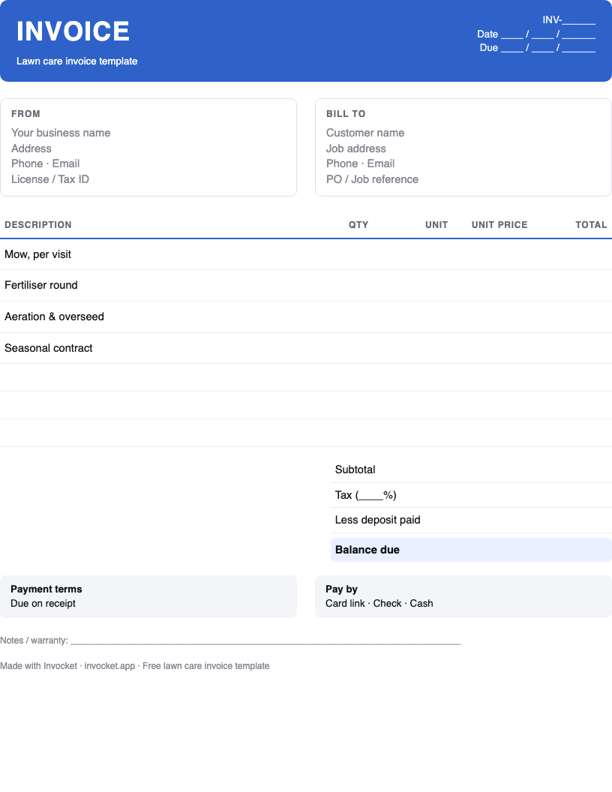
Lawn care invoice template
Word, Excel, PDF →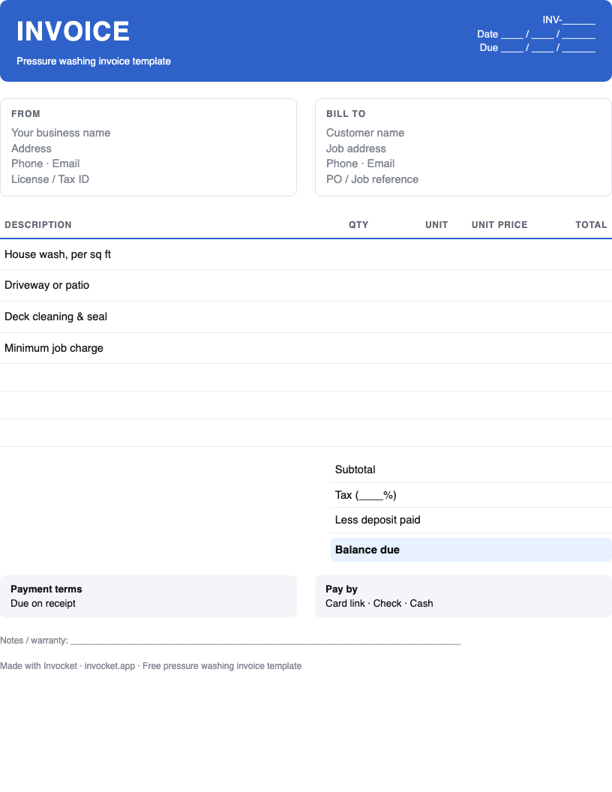
Pressure washing invoice template
Word, Excel, PDF →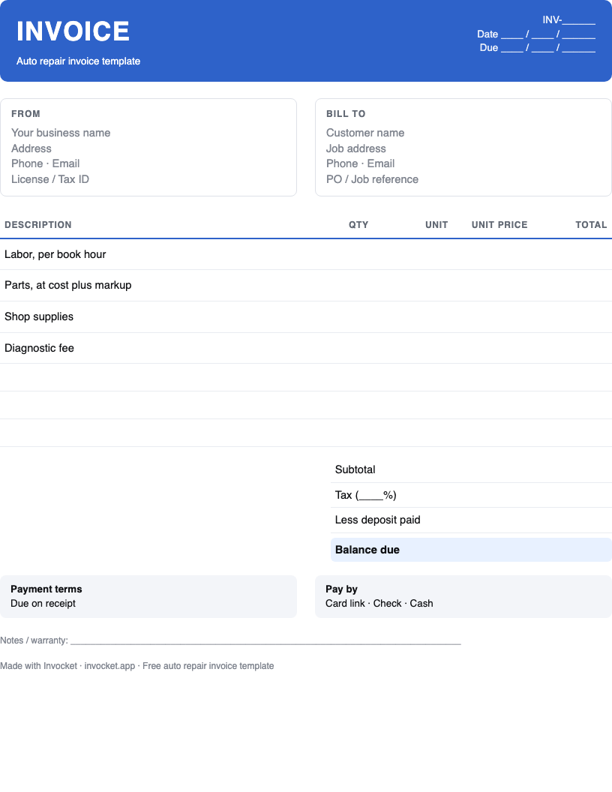
Auto repair & mechanic invoice template
Word, Excel, PDF →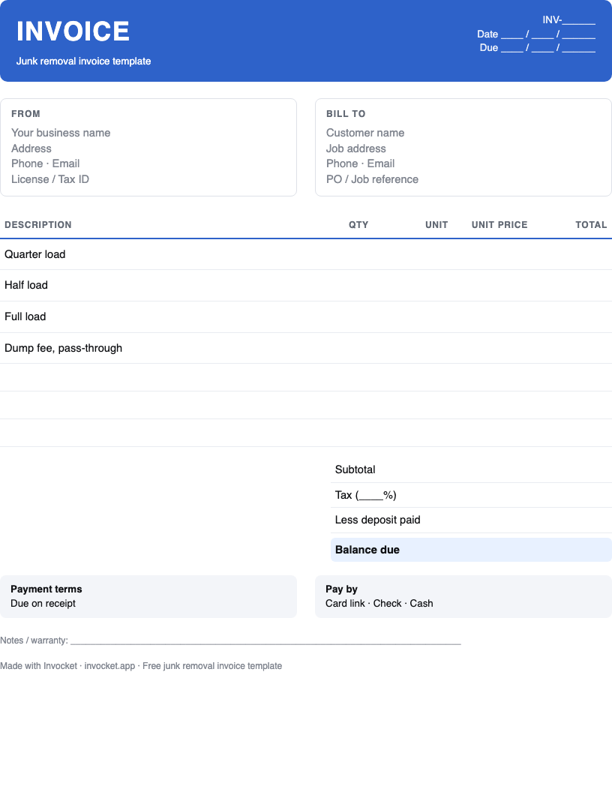
Junk removal invoice template
Word, Excel, PDF →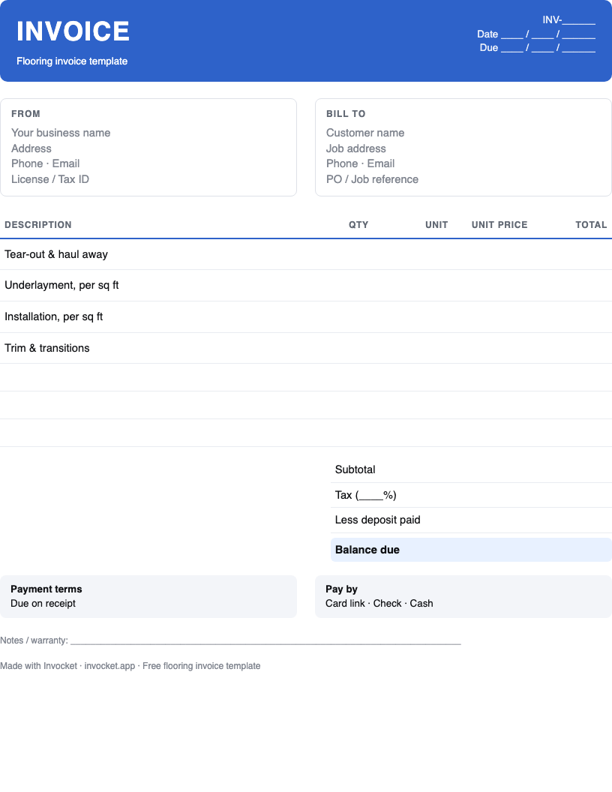
Flooring invoice template
Word, Excel, PDF →What goes on a contractor invoice
- Your business name, address, phone and license or tax number
- The customer’s name and the job address, which is often not the billing address
- A unique invoice number, the invoice date and the due date
- Line items for labor, materials, equipment and fees, each with a quantity and a price
- Subtotal, sales tax, any deposit already paid and the balance due
- Payment terms and how to pay: check, card link or bank transfer
Which template to start from
Hourly trades such as handyman and auto repair need rate-times-hours lines. Per-job trades such as roofing, painting and cleaning need an itemized scope. Construction bills in stages against a schedule of values, with retainage held back. Pick the trade closest to how you price; every trade template comes in Word, Excel and PDF.
Template or app
A template is the fastest way to send one invoice. Past a few jobs a week, the work is in what a template cannot do: number every invoice in one series, remember the customer, and show who still owes you. Invocket does that on the iPhone, offline and with no account.
Invoice template FAQs
What is the best invoice template for contractors?
The one that matches how you price. Start from your trade's template: it already has the line items that trade bills for, and it comes in Word, Excel and PDF.
Are these invoice templates free to use for my business?
Yes. There is no sign-up, no watermark and no limit on how many invoices you make from them.
What is the difference between an invoice and an estimate template?
An estimate prices work before it starts and carries an expiry date, a deposit line and a signature box. An invoice bills work that is done and carries a due date and the balance owed.