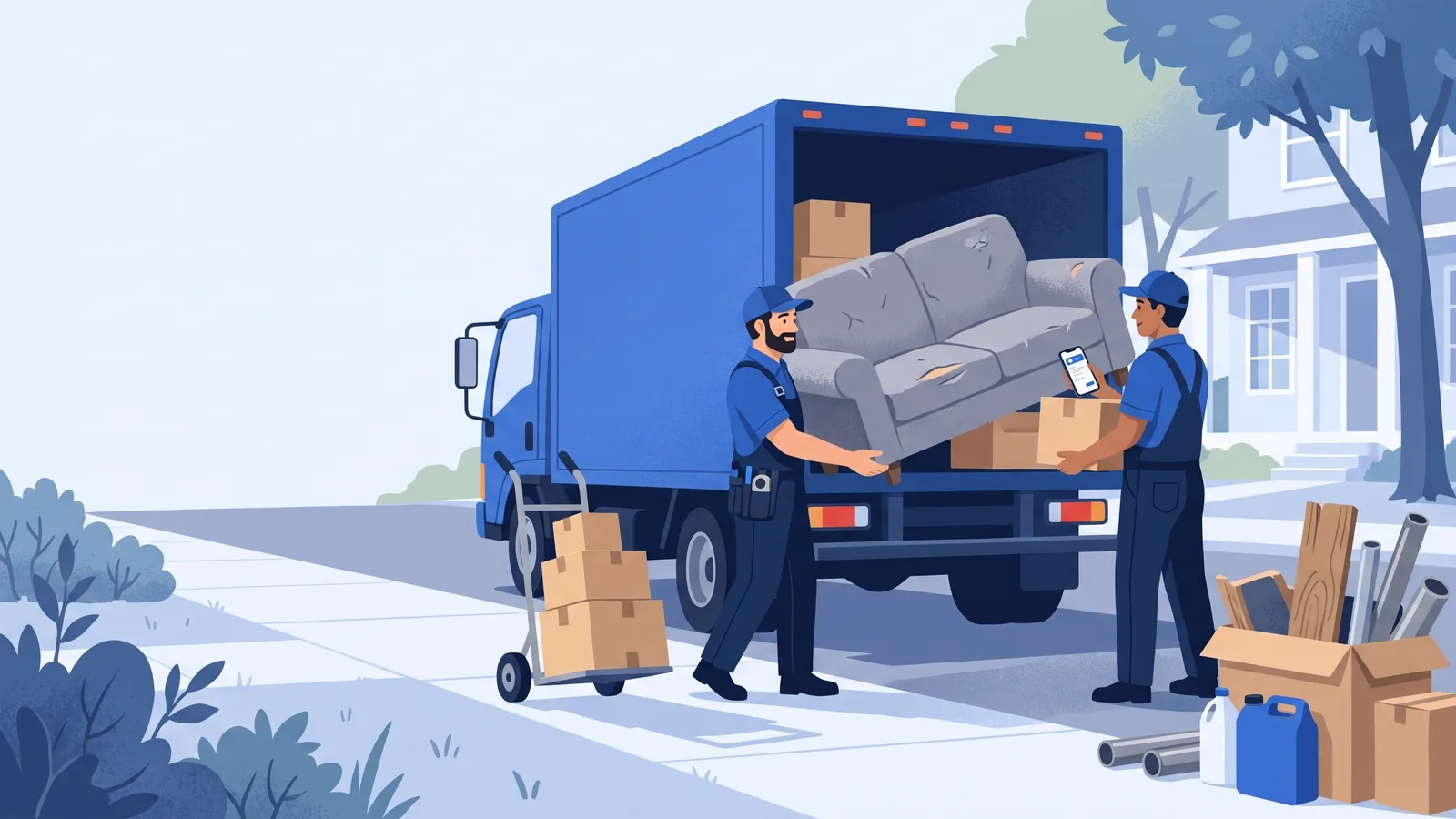
In short
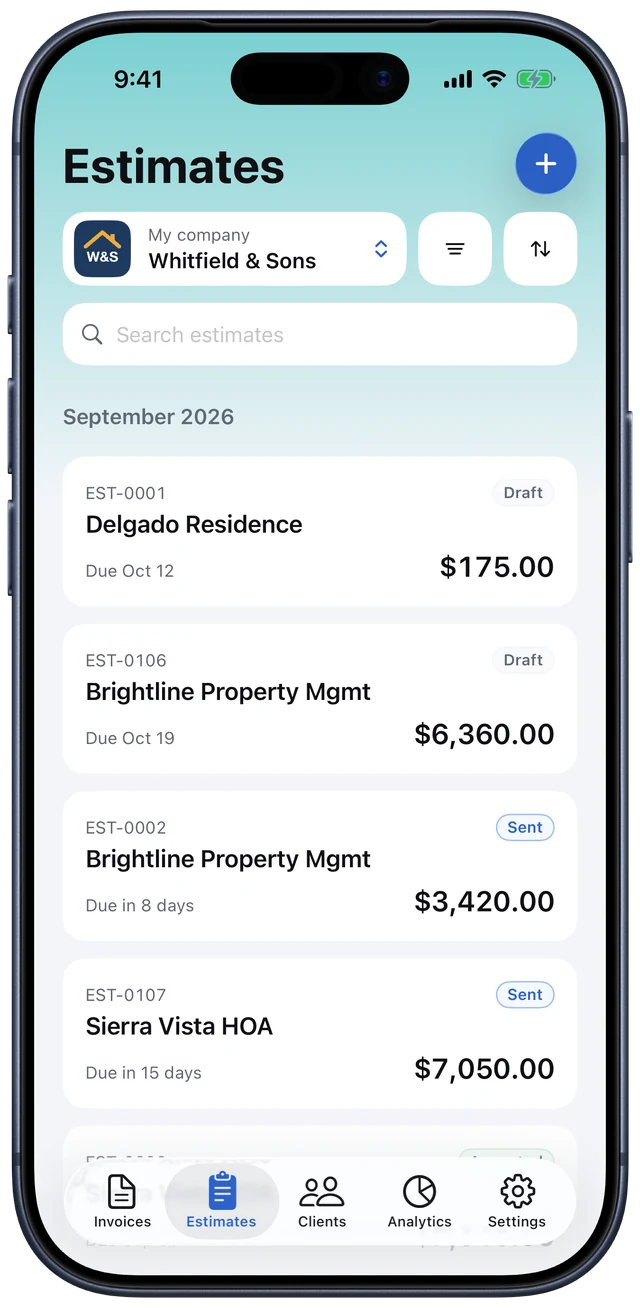
Invocket lets junk removal businesses write estimates on site, turn accepted ones into invoices, mark them paid and see who still owes what, all on the iPhone and without signal. Estimate with AI drafts the line items from a description.
On this page
What a junk removal job bills like
These are the lines a junk removal estimate usually carries. In Invocket each one is a line item with a quantity and a price, and you can group them into sections with their own subtotals:
- Quarter load
- Half load
- Full load
- Dump fee, pass-through
How junk removal jobs are priced and paid
Choose a unit that fits the work. Truck-space tiers suit mixed cleanouts when you can estimate volume. Item pricing suits a known appliance or bulky object. Hourly crew time fits sorting, stairs, and long carries. A facility may charge disposal by weight, so list it as a pass-through. A trip minimum can cover a small pickup. Define included rooms, items staying, access, exclusions, and how additions change the estimate.
Common lines to review before loading:
| Line item | Priced by | What to write on the estimate |
|---|---|---|
| Truck-space removal | Load tier | Expected tier, area included, and rate for a larger load |
| Bulky item | Each item | Item, count, location, and access limits |
| Sorting and loading | Hours or crew time | Included labor and approval process for added work |
| Disposal fee | Weight or receipt | Pass-through basis and receipt availability |
| Special handling | Item or labor | Material and handling scope |
| Trip minimum | Trip | Service area and what the charge covers |
| Sweep-up | Area or labor | Area and whether bagging is included |
For a residential pickup, set payment due at completion and record the method. For a multi-load cleanout, agree on a deposit to reserve the date, progress billing after loads or phases, and the final balance after disposal. Commercial customers may need a purchase order, approver, submission process, and written terms; confirm these before dispatch. Attach disposal tickets when they support a pass-through. The US EPA Section 608 program requires refrigerant recovery from refrigerators, freezers, and air conditioners before disposal. What your transfer station or recycler asks for varies locally, so check local rules and record the agreed handling.
The documents a junk removal job produces


What makes billing junk removal work harder
The load changes after the quote
Photos and a walk-through only show what is present at that time. A customer may add a garage corner, another room, or items from a second floor while loading. Record the quoted tier, included areas, and exclusions. If additions change the price, pause, document the new scope and charge, and get approval before taking them.
Disposal charges do not always track volume
A truck-space quote can look settled while the transfer station charges by weight or applies a different fee to a particular load. Keep the facility ticket, identify its job and load, and separate the pass-through from labor. State whether the disposal amount is fixed or based on the actual facility charge, then provide the receipt with the invoice.
Sorting and access eat into crew time
A cleanout may include bagging, sorting, stairs, a long carry, or waiting for access not clear in the photos. These tasks can change labor even when the pile looks similar in size. List access and labor assumptions on the estimate, record added tasks on the work record, and get approval before billing beyond the agreed scope.
Dispute: The customer says the final load tier is too high
This can start when an estimate came from photos or the customer remembers a smaller pile. Prevent it by naming the expected tier, showing what space is included, and documenting the loaded truck before departure. If challenged, share dated photos and compare them with the written scope. Correct a mistaken tier; if the load grew, show the approved change.
Dispute: A disposal or special-handling fee was unexpected
A customer may accept a removal quote but dispute a facility charge or handling line added at the end. Prevent that by naming possible pass-throughs and separate handling on the estimate, then getting approval when scope becomes clear. For a dispute, send the facility receipt and approval. Remove any charge you cannot substantiate and correct the invoice in writing.
Plan billing around move-outs and cleanout surges
Junk removal demand often follows lease turnovers, moves, spring cleanouts, and renovation clearances, though timing varies by service area. Several jobs can land together while access or approvals delay others. Record each load, disposal ticket, and payment against its address before the next stop. For property managers or general contractors, confirm who approves completed work and how invoices must be submitted. In slower periods, clarify estimate scope and expiration when the cleanout date is uncertain.
Junk removal invoicing FAQs
How do I quote a junk removal job from photos?
Use photos for a preliminary load tier or item list, then state assumptions about access, included rooms, and items staying behind. Explain how added items or a different final load affect the price. For uncertain or large cleanouts, arrange a walk-through before treating the quote as fixed.
Should I charge by truckload, item, or hour?
Use truck space for mixed loads you can size, per-item pricing for known bulky objects, and labor time when sorting, stairs, or carrying drive the work. A weight-based disposal line fits when the facility bills that way. State each unit and what it covers.
Should I take a deposit for a junk removal cleanout?
For a scheduled cleanout that reserves a crew or involves multiple loads, agree on any deposit before booking and show how it will be credited. Put the amount, due date, cancellation handling, and remaining milestones in writing. Check your state and local rules for deposit requirements.
How do I bill for items added during a pickup?
Pause before loading added items, describe them and the price change in a written change order, and get approval by signature, text, or email. Keep approval with the job record. If the customer declines, complete only the original scope and note excluded items.
What paperwork should I give a junk removal customer?
Provide an estimate with scope and pricing basis, a receipt for any deposit, and written authorization for what may be removed. Document approved additions, then issue a final invoice showing completed work, credits, and disposal pass-throughs. Include facility tickets that support a charge.
Does Invocket work for junk removal businesses of one?
Yes, it is built for them. There is no seat pricing, no crew scheduling and no account to create; the app opens straight into an empty ledger on your iPhone.
Can I send a junk removal estimate and turn it into an invoice?
Yes. Estimates have their own numbering. When the customer accepts, mark the estimate Accepted and convert it: a new invoice opens with the client, line items, sections, VAT and payment details already filled in, and you save it.
Does it work without a signal?
Yes. Documents are written to the phone, so creating, editing, rendering the PDF and marking an invoice paid all work with no connection. You need a signal to email the file and to use Estimate with AI.

About this page
Invocket Editorial
Written by the team that builds Invocket, an invoicing app for contractors. We check prices and rules against published sources, name them on the page, and update the page when they change. How we write and check these pages.
Keep going
Template
Junk removal invoice template
Fill it in on the site or download it.
Template
Junk removal estimate template
Line items, deposit and expiry date laid out.
Free tool
Invoice generator
Make a PDF invoice in the browser.
Free tool
Job profit & margin calculator
See what the job leaves you after costs.
Free tool
Markup calculator
Free tool
Labor cost calculator
In the app
Estimate with AI
Academy
Estimates that win the job
Price the job first