In short
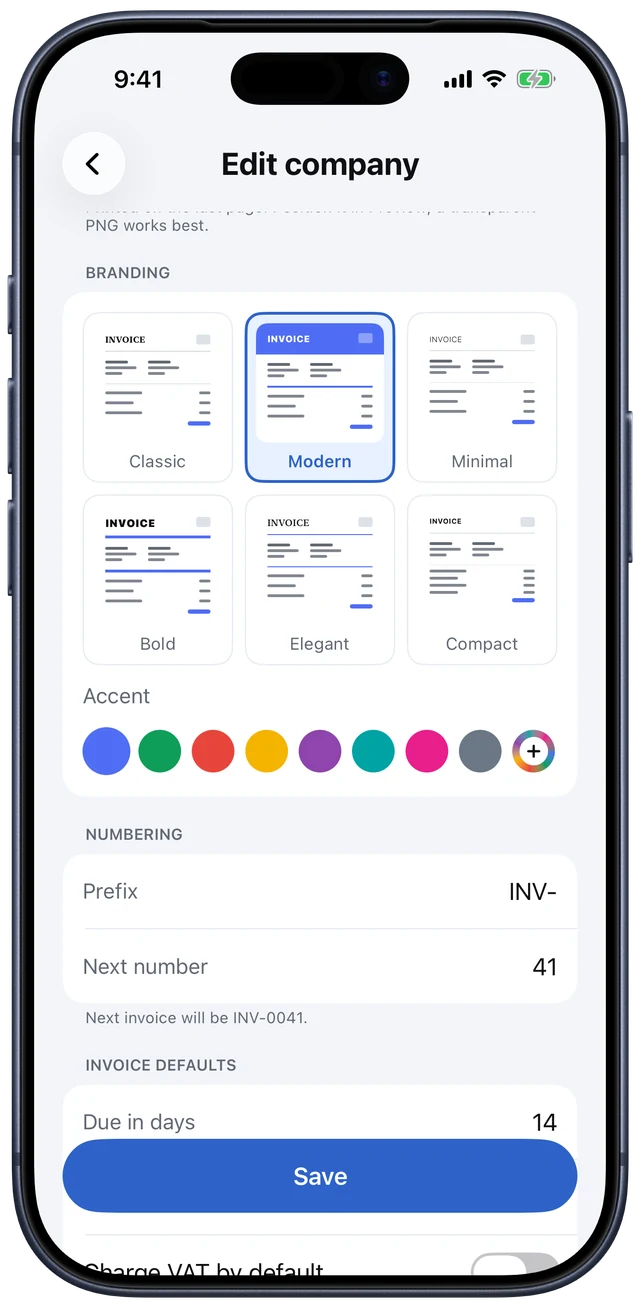
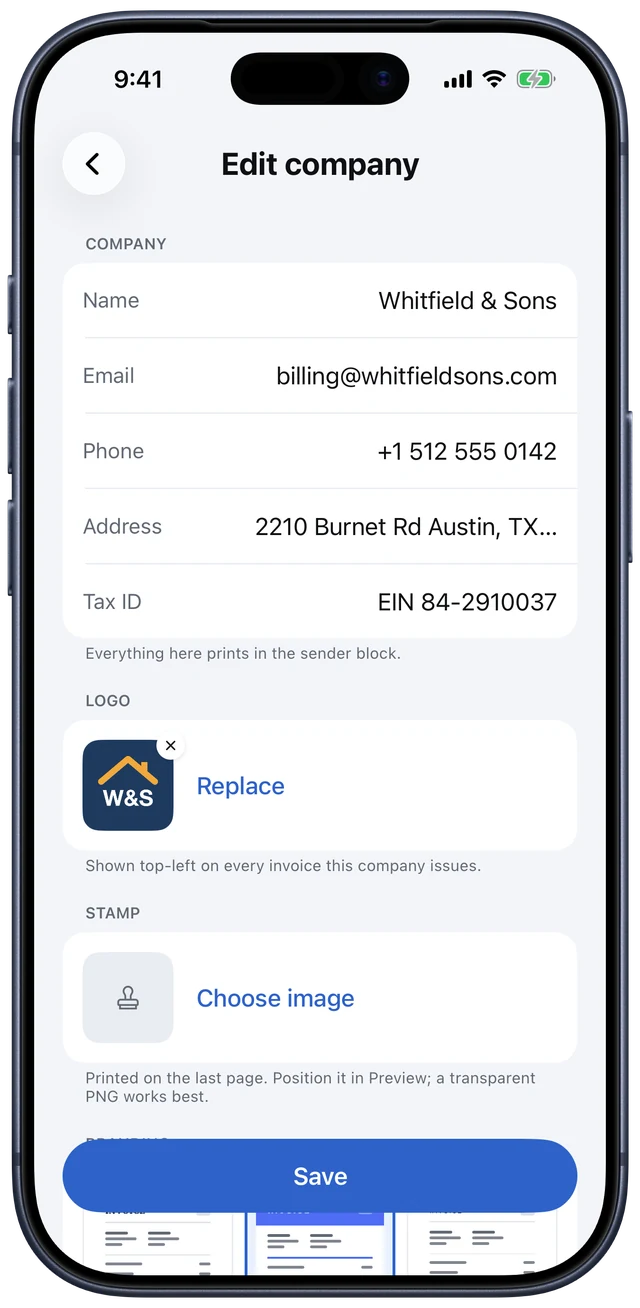
Each company in Invocket has one of six templates, an accent color from eight presets or your own, a logo shown top left, an optional stamp placed on the last page, and its own invoice numbering.
On this page
Six templates
Classic, Modern, Minimal, Bold, Elegant and Compact. The template is set for the company, so every document it issues matches; all six are included.
Color, logo and stamp
- Accent color: eight presets or a custom color
- Logo: shown top left on every document the company issues
- Stamp: an image such as a company seal or your signature, printed on the last page; drag, pinch and rotate it into place in Preview, and swap or remove it per document
Numbering
Choose the invoice prefix and the next number, and the app shows what the next invoice will be called. Estimates keep a separate EST series.
Templates & branding: questions
Can each invoice use a different template?
No. The template belongs to the company. If you run two businesses, give each its own company and template.

About this page
Invocket Editorial
Written by the team that builds Invocket, an invoicing app for contractors. We check prices and rules against published sources, name them on the page, and update the page when they change. How we write and check these pages.