In short
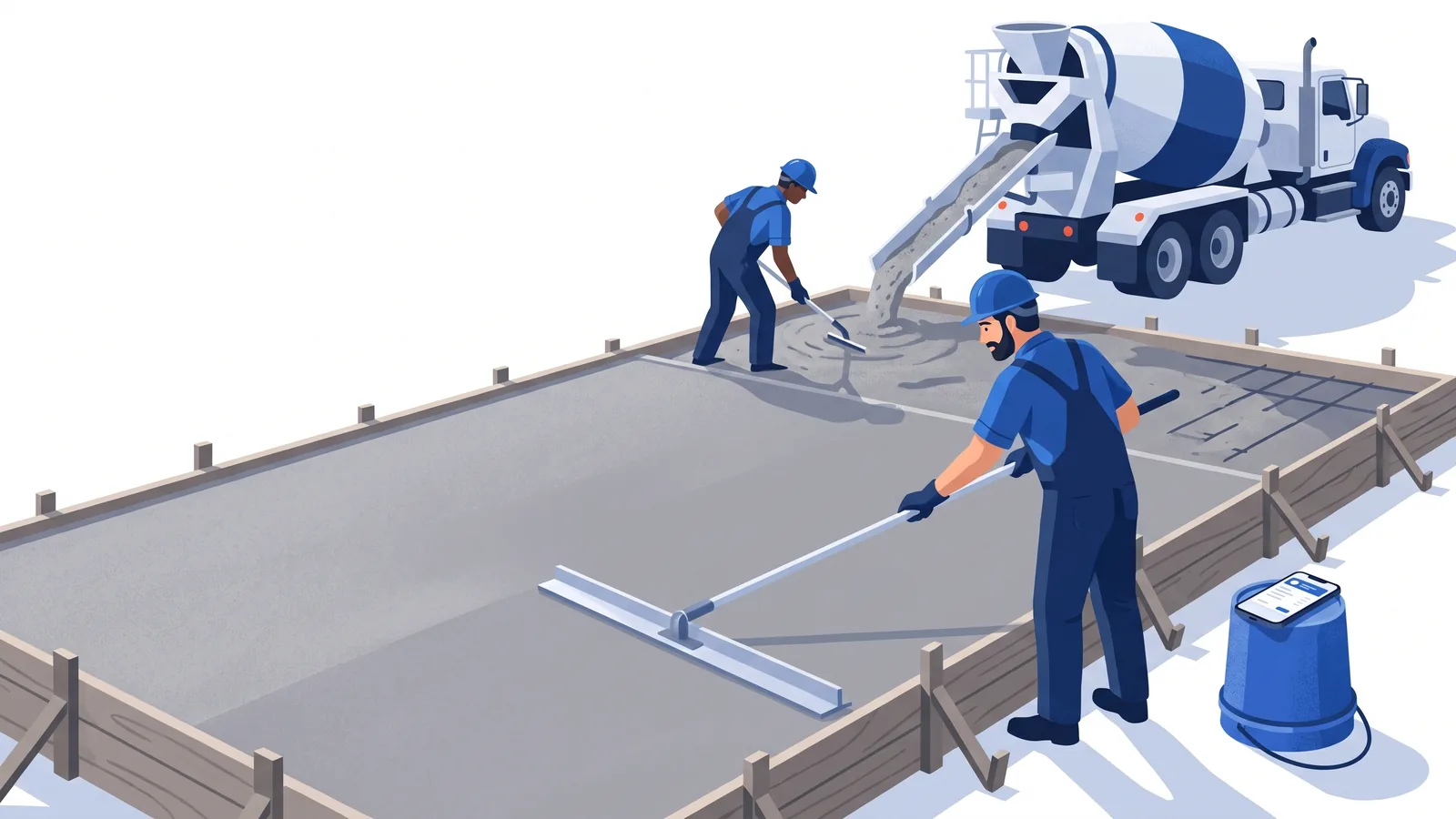
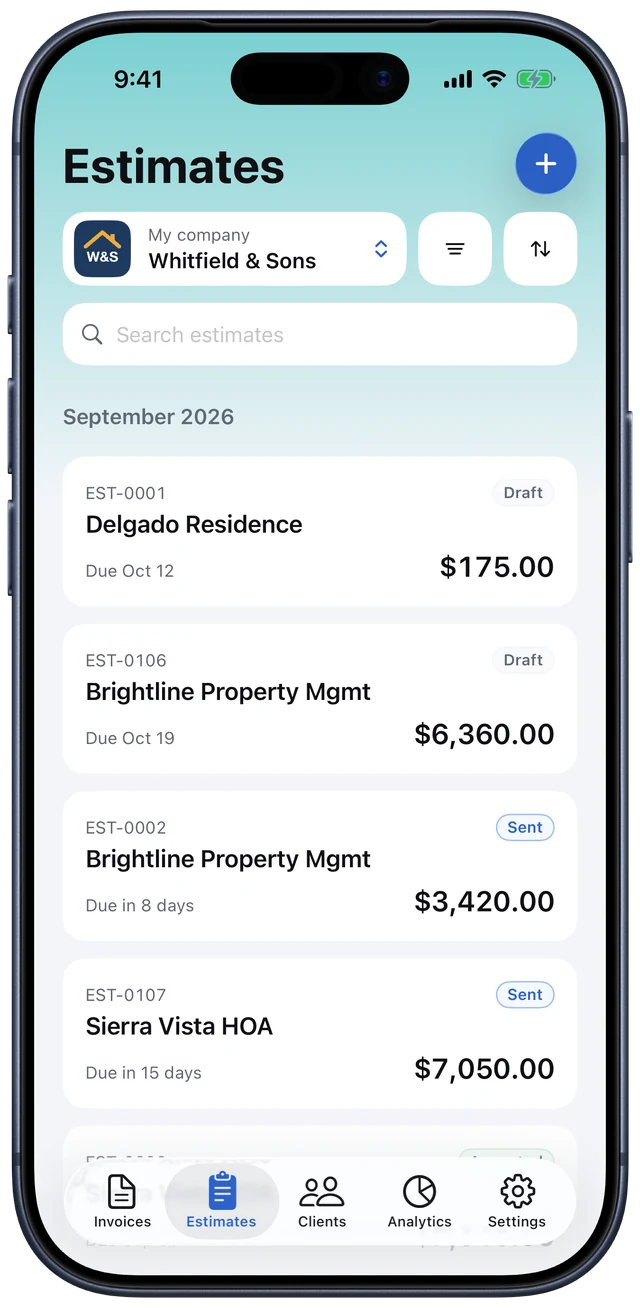
Invocket lets concrete businesses write estimates on site, turn accepted ones into invoices, mark them paid and see who still owes what, all on the iPhone and without signal. Estimate with AI drafts the line items from a description.
On this page
What a concrete job bills like
These are the lines a concrete estimate usually carries. In Invocket each one is a line item with a quantity and a price, and you can group them into sections with their own subtotals:
- Concrete, per cubic yard
- Forms & rebar
- Pump truck
- Broom or stamped finish
How concrete jobs are priced and paid
Choose units that match the work. Ready-mixed concrete is sold by volume in cubic yards, according to NRMCA, Concrete in Practice 31. For a slab or footing, multiply length, width, and depth in feet, then divide cubic feet by 27 to get cubic yards. NRMCA advises avoiding excessive orders and small clean-up loads. Square feet suit flatwork comparisons; linear feet fit curbs and narrow runs; each works for steps or defined small features. Price labor as a fixed scope or list tasks separately.
Separate mix, preparation, forms, reinforcement, pumping, and finishing on the estimate. State dimensions, thickness, finish, access assumptions, and who handles excavation or disposal. Describe the mix and estimated yards, and note included edges or cut layout. A concrete estimate template can help organize those scope details.
| Line item | Priced by | What to write on the estimate |
|---|---|---|
| Ready-mix | Cubic yard | Mix, estimated yards, placement area |
| Excavation and base | Square foot, cubic yard, or scope | Dig depth, base, disposal included |
| Forms and reinforcing | Linear foot, square foot, or scope | Layout, bar or mesh, included edges |
| Pump and setup | Booking or agreed time | Access, setup, waiting terms |
| Placement and finish | Square foot or scope | Broom, smooth, exposed, or stamped |
| Saw cuts and cleanup | Linear foot or scope | Cut layout, cleanup, haul-away |
For a short residential job, collect an agreed deposit before ordering mix or reserving a pump. Invoice the balance after placement and finishing. On multi-stage work, tie progress invoices to named milestones, such as completed base preparation and then placement. For a GC or commercial customer, agree on billing dates, required backup, payment terms, and any retainage before starting. Match invoices to approved scope, signed changes, tickets, and completed stages. Check your state and local rules for deposit limits and contract terms.
The documents a concrete job produces


What makes billing concrete work harder
Estimating uneven ground
A plan view misses dips, slopes, thickened edges, and subgrade changes. Measure sections and state assumed depth and base condition. If excavation exposes soft spots or the customer requests a thicker section, document revised quantity and scope before ordering more mix. This record explains why actual yards differ from the takeoff and supports a change to the estimate before the pour.
Reconciling load tickets
Loads may serve different placements, and delivered quantity can differ from what a customer expects to see installed. Keep each ticket with the job file, note the area served, and reconcile quantities before invoicing. Explain excess, short loads, or clean-up loads in writing. NRMCA advises avoiding excessive orders and small clean-up loads, so check measurements and the planned order before dispatch.
Coordinating the pour
The ready-mix slot, pump, crew, and site access must line up. Incomplete forms, blocked access, or another trade can create waiting and affect booked equipment. Put site-readiness duties and any agreed waiting or cancellation charge in the estimate. Record arrival time, delay reason, notification, and customer direction before adding a charge. These notes connect the bill to what happened on site.
Dispute: More yards billed than expected
A customer may question extra concrete when the final shape or depth differs from the estimate. Document measured area, assumed depth, and who approves added quantity before pouring. Keep tickets and note which placement each load served. If challenged, send the estimate, approved change, and ticket reconciliation together. Correct any quantity you cannot support, and explain documented differences plainly.
Dispute: Finish differs from expectation
Customers may object to broom direction, color, stamp pattern, edges, or surface appearance after the concrete sets. Put the selected finish, reference, limits, and care instructions in the approved scope. Photograph the reference and completed work. If challenged, record the specific area and concern, inspect it with the customer, and write down any agreed repair or closeout rather than relying on a verbal promise.
Weather and the concrete pour season
Rain, freezing conditions, and extreme heat can change whether a pour proceeds and how the crew protects and finishes it. Tell the customer when weather shifts the date, and record rescheduling or added protection in the job file. In colder regions, outdoor flatwork may slow in winter, with more estimates and bookings in milder periods. Timing still depends on local conditions, site access, and placement type, so confirm the site and forecast before promising a date.
Concrete invoicing FAQs
How do I estimate concrete for a slab?
Measure length, width, and thickness in feet. Multiply for cubic feet and divide by 27 for cubic yards; NRMCA, Concrete in Practice 31, gives 27 cubic feet per cubic yard. List base, forms, reinforcement, pumping, and finish separately, and state the assumed depth.
Quote concrete by yard or square foot?
Ready-mixed concrete is sold by cubic yard, according to NRMCA, Concrete in Practice 31. Square feet can describe flatwork for comparison, while linear feet suit curbs or narrow runs. Name the unit and included tasks on each line so customers can compare the scope.
What should a concrete deposit cover?
Say what the deposit applies to, such as ordering ready-mix or reserving a pump and crew date. Show it separately and state when the balance or next progress payment is due. Deposit rules and contract requirements vary, so check your state and local rules before setting terms.
How do I bill extra concrete or finish changes?
Write a change order before extra work when possible. Describe revised dimensions, quantity, finish, or equipment time, then show the pricing unit, price, and schedule effect. Get approval in writing and keep delivery tickets with the final invoice to support the added amount.
What paperwork goes with a concrete invoice?
Reflect the approved estimate and change orders in the invoice lines. Attach delivery tickets when they support billed yards, plus progress details or backup requested by the customer or GC. Show deposits and prior payments as credits, identify completed work, and issue a receipt after payment.
Does Invocket work for concrete businesses of one?
Yes, it is built for them. There is no seat pricing, no crew scheduling and no account to create; the app opens straight into an empty ledger on your iPhone.
Can I send a concrete estimate and turn it into an invoice?
Yes. Estimates have their own numbering. When the customer accepts, mark the estimate Accepted and convert it: a new invoice opens with the client, line items, sections, VAT and payment details already filled in, and you save it.
Does it work without a signal?
Yes. Documents are written to the phone, so creating, editing, rendering the PDF and marking an invoice paid all work with no connection. You need a signal to email the file and to use Estimate with AI.

About this page
Invocket Editorial
Written by the team that builds Invocket, an invoicing app for contractors. We check prices and rules against published sources, name them on the page, and update the page when they change. How we write and check these pages.
Keep going
Template
Concrete invoice template
Fill it in on the site or download it.
Template
Concrete estimate template
Line items, deposit and expiry date laid out.
Free tool
Invoice generator
Make a PDF invoice in the browser.
Free tool
Job profit & margin calculator
See what the job leaves you after costs.
Free tool
Markup calculator
Free tool
Labor cost calculator
In the app
Estimate with AI
Academy
Estimates that win the job
Price the job first