In short
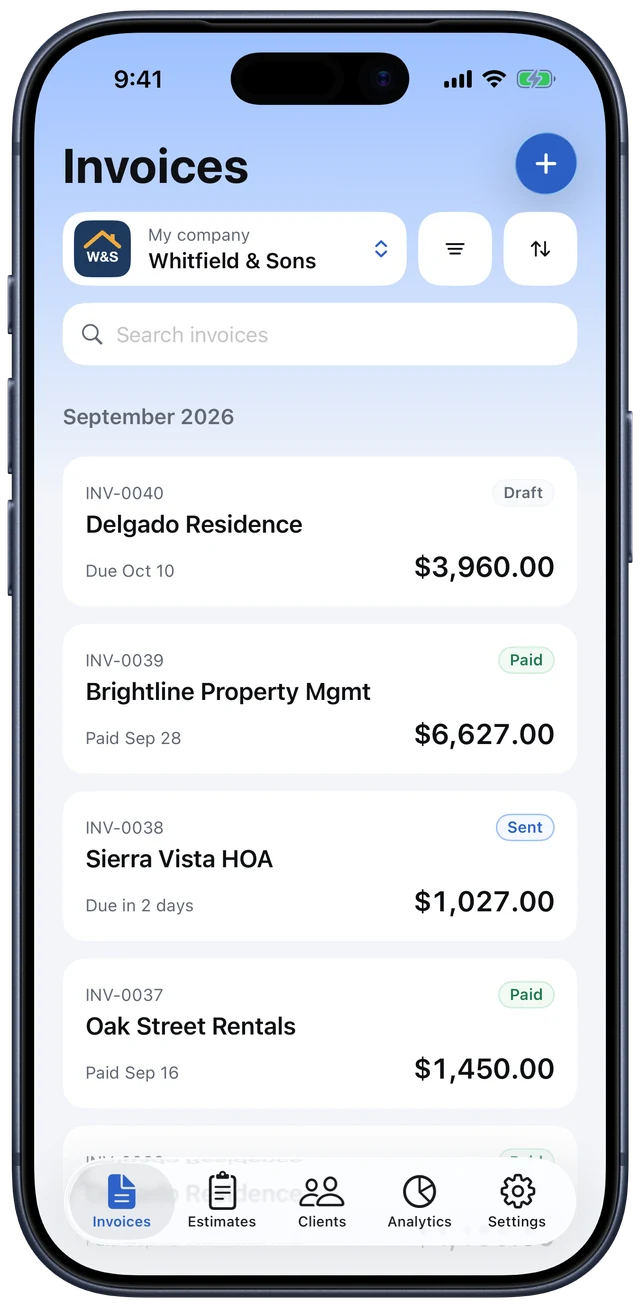
Invocket has no sign-in. Documents, clients and settings are stored in a database on the iPhone, and writing, editing, making the PDF and marking paid all work offline. Estimate with AI, buying the subscription and support need a connection. There is no cloud backup yet.
On this page
What works without signal
- Creating and editing estimates and invoices
- Rendering the PDF
- Marking sent and paid
- Analytics, clients and search
What needs a connection
- Estimate with AI: your description and any photos are sent to the AI provider to write the draft
- Emailing the PDF (through Apple Mail) and sharing it to online apps
- Buying or restoring the subscription, and contacting support
The honest trade-off
Because nothing lives in our cloud, there is no account to lose and no server outage that stops you working. The flip side: there is no iCloud backup or sync yet, and deleting the app deletes your documents. Keep the PDFs you send, and do not delete the app with unfinished work on it.
Offline, no account: questions
Can I use Invocket on two devices?
No. Documents stay on the iPhone they were made on; there is no sync between devices.
What happens if I stop paying?
Your documents stay on your phone and readable in the app. You are back on the free plan: 3 new documents and 3 PDF exports in total.

About this page
Invocket Editorial
Written by the team that builds Invocket, an invoicing app for contractors. We check prices and rules against published sources, name them on the page, and update the page when they change. How we write and check these pages.