
In short
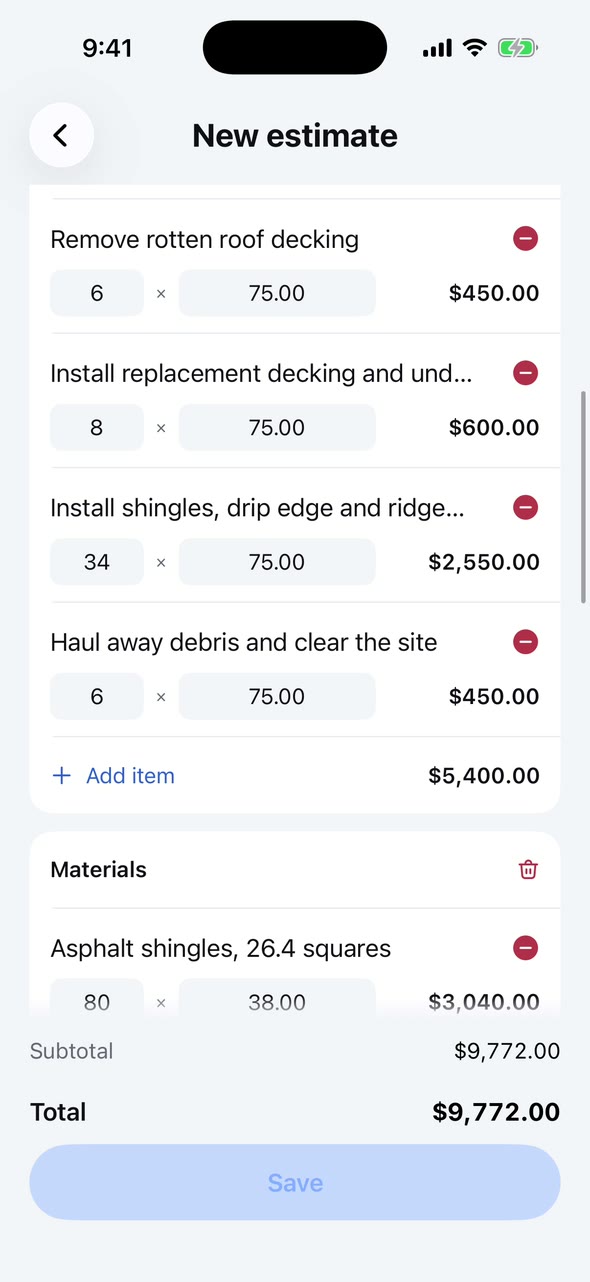
Estimate with AI is built into Invocket on iPhone. It turns a job description into an itemized draft in the normal estimate editor, so you correct a filled table instead of writing one. Drafting needs a connection; the rest of the app works offline. It is included in the one plan.
On this page
How Estimate with AI works
 1
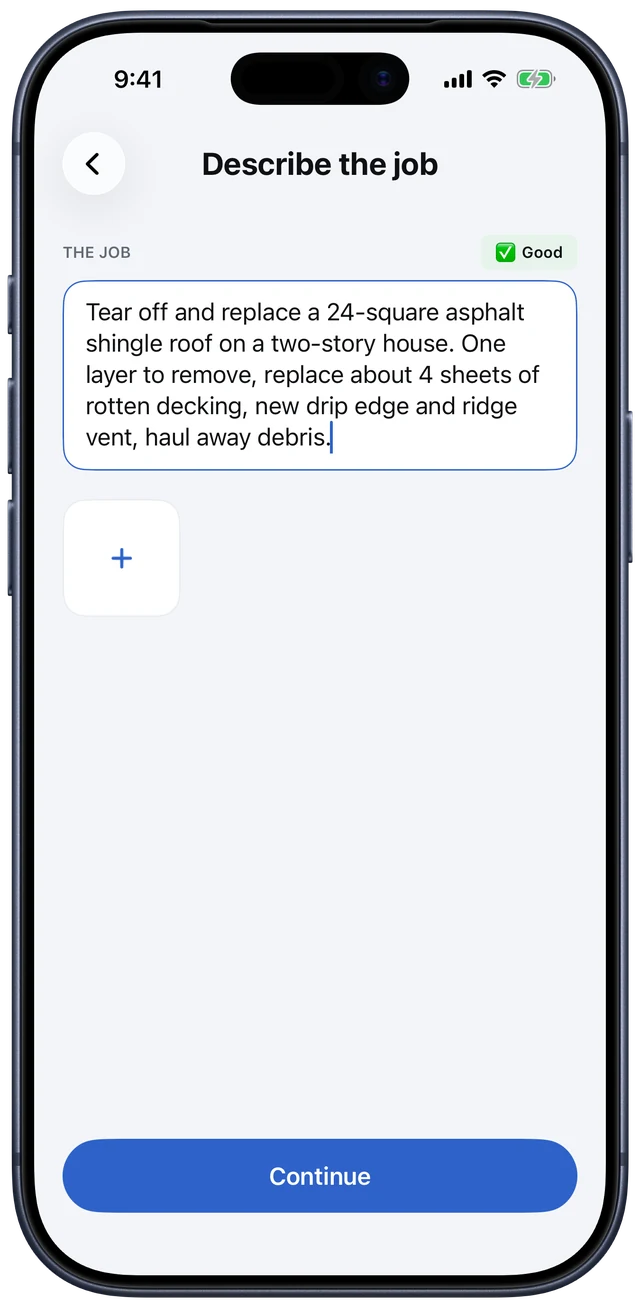
Describe the job
Type it the way you would say it to a helper, add photos if they help, or start from one of the examples.
 2
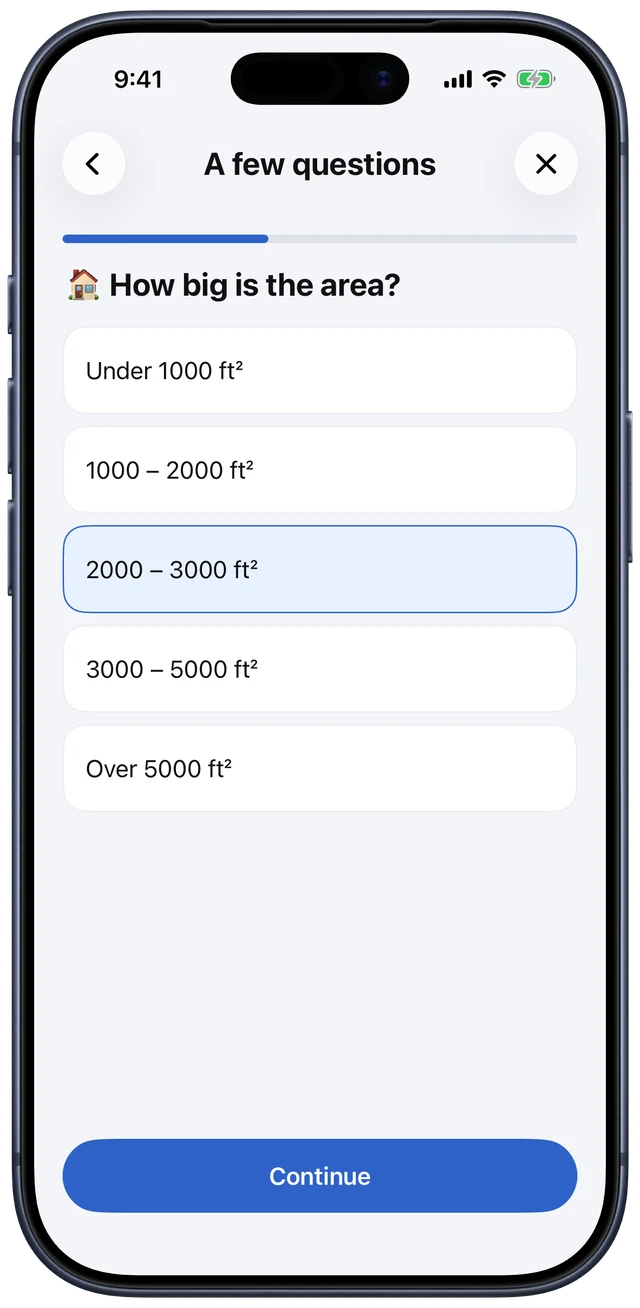
Answer a few quick questions
The app asks what it needs to know: the size, what has to happen first, and whether to price labor, materials or both. Tap an answer or type your own.
 3
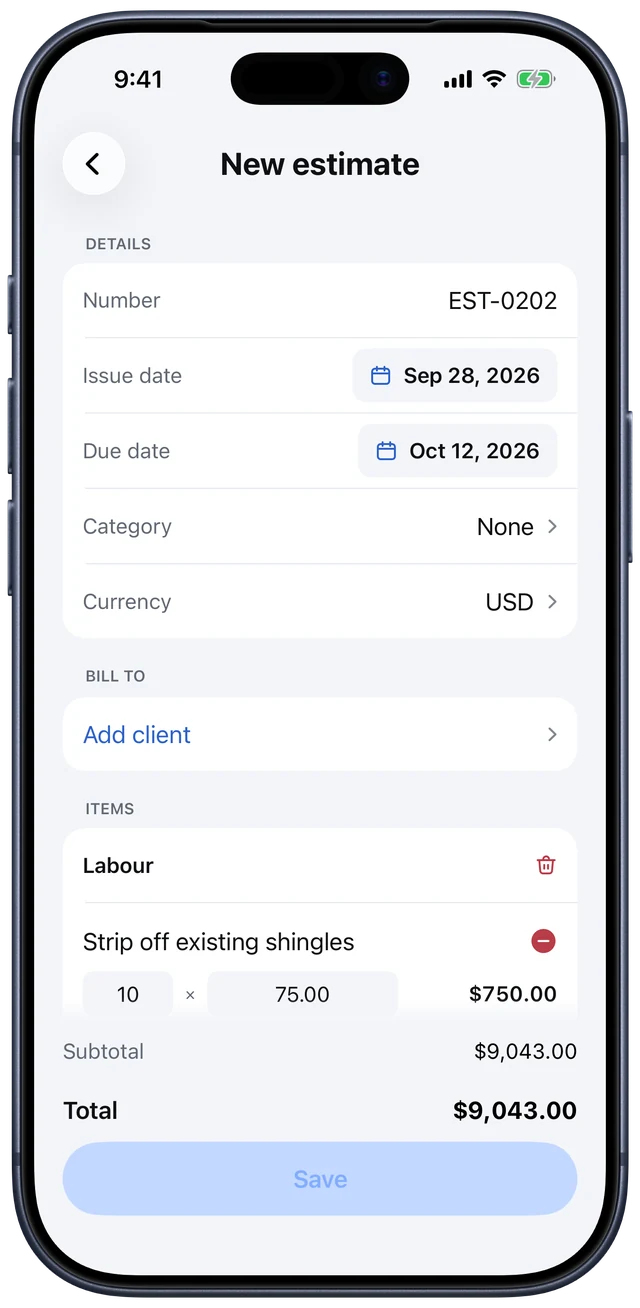
Review the itemized draft
Groups of line items with quantities and unit prices land in the normal estimate editor. Change a price, delete a line, add your own, then send it.
Real drafts from the app
Each example below was typed into Invocket on an iPhone, the questions were answered as a small US contractor would, and the draft is published exactly as it came back, including the prices. Open one to see every line and how its prices compare with published cost data.
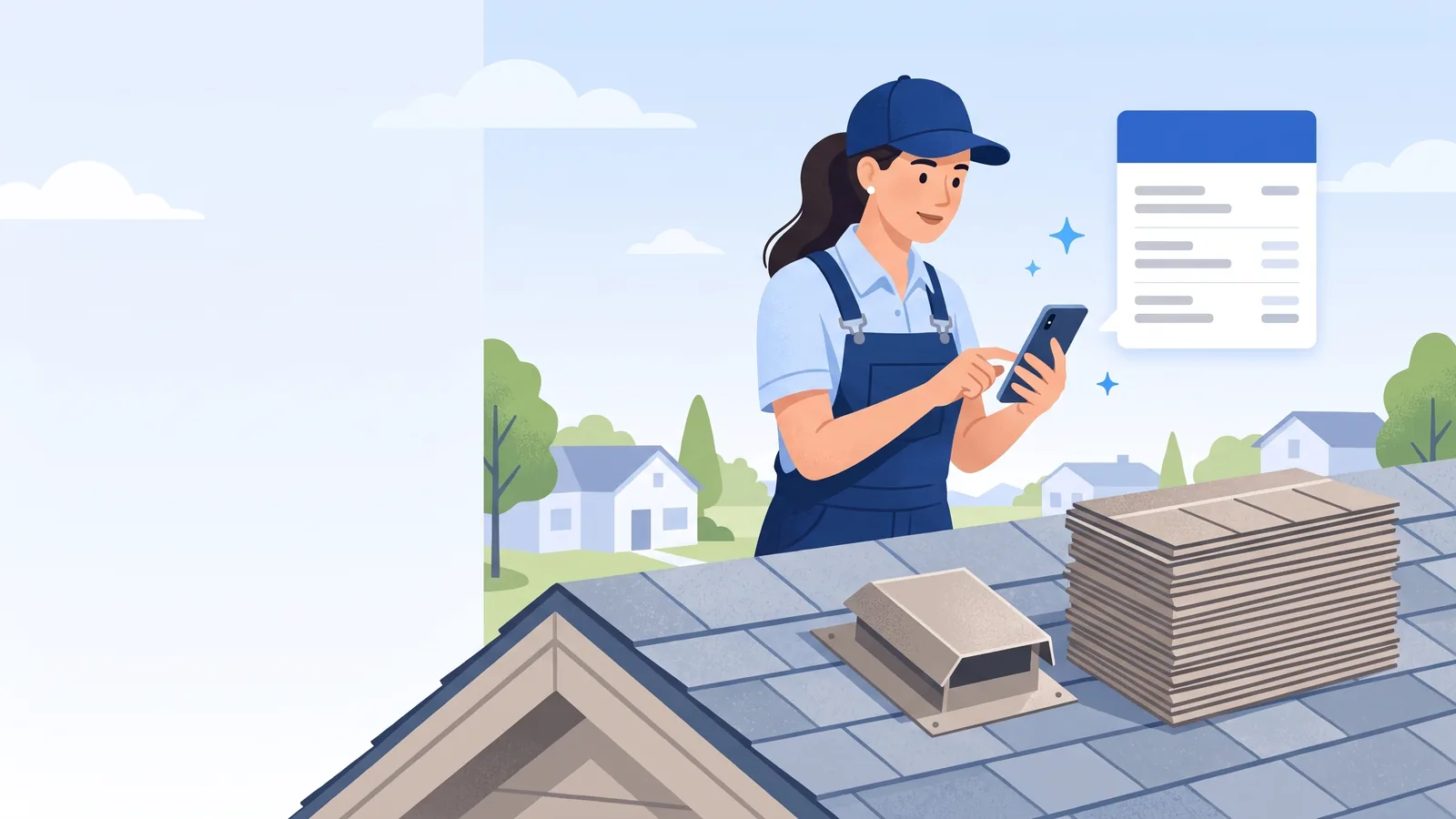
Roofing
“Tear off and replace a 24-square asphalt shingle roof on a two-story house. One layer to remove, replace about 4 sheets of rotten decking, new drip edge and ridge vent, haul away debris.”
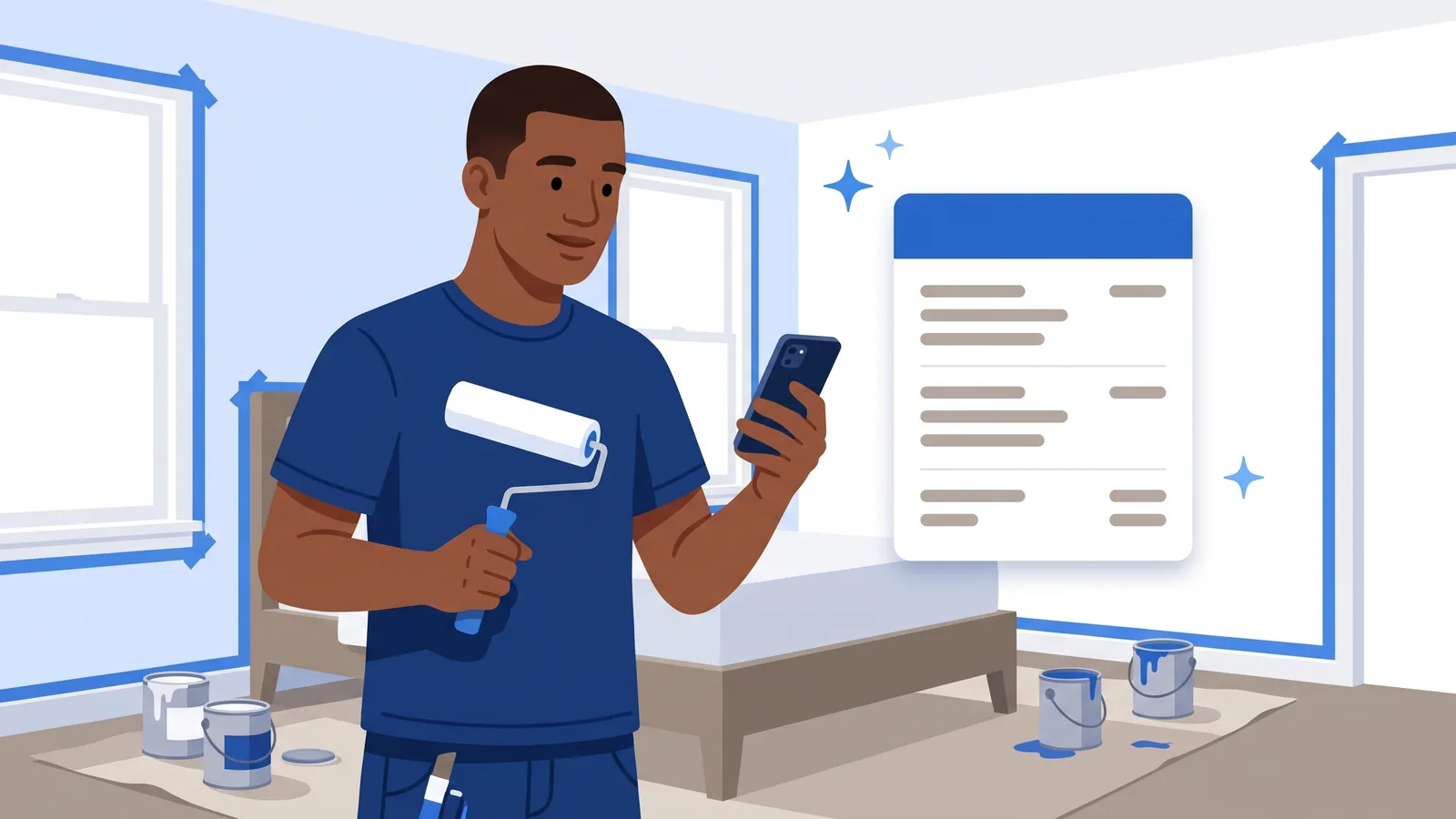
Painting
“Paint a 12 x 14 ft bedroom, walls and ceiling, two coats. Patch nail holes, move furniture to the middle, I supply the paint.”
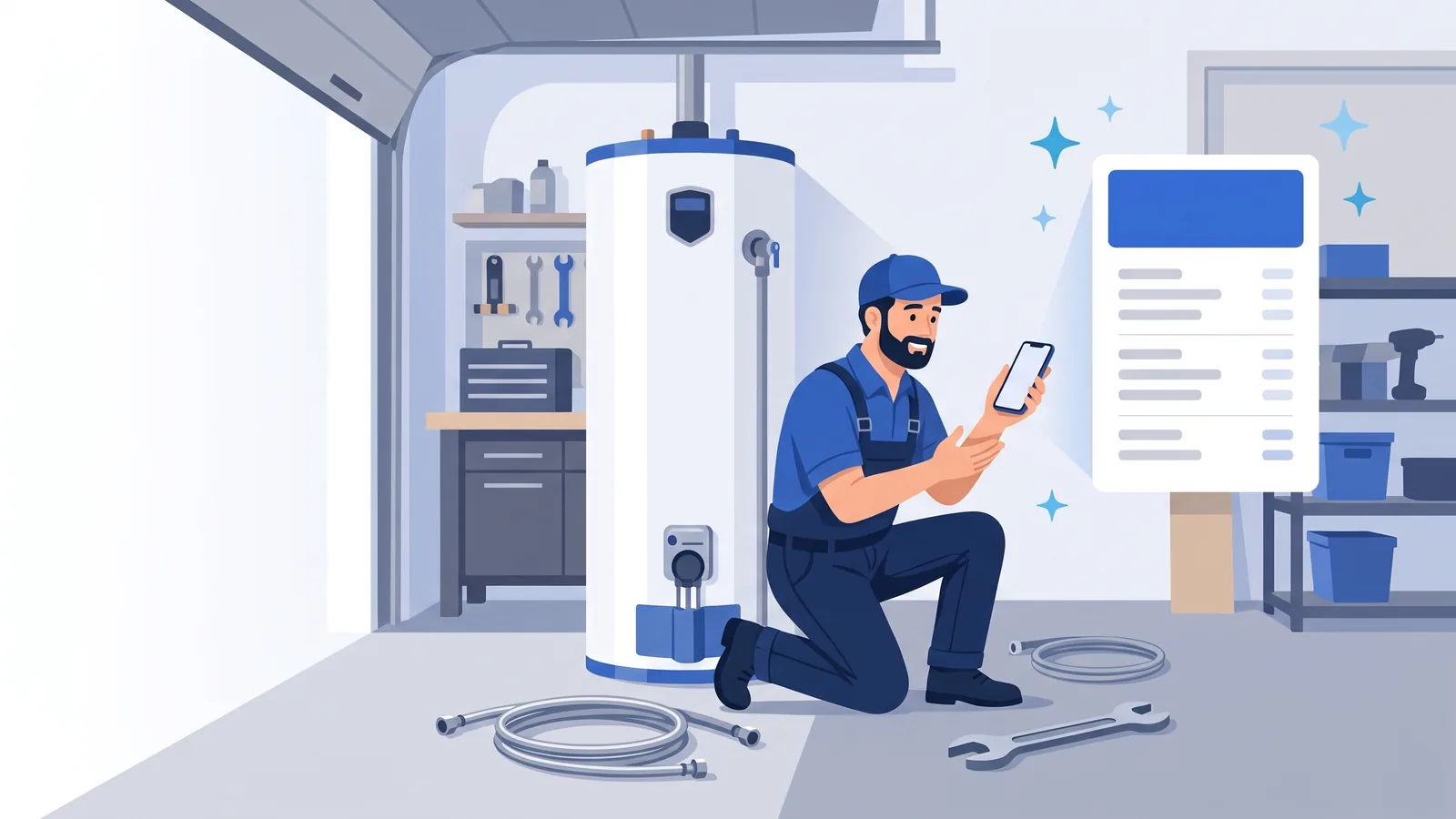
Plumbing
“Replace a 50-gallon gas water heater in the garage. Haul away the old tank, new flex lines, new expansion tank, test and relight.”
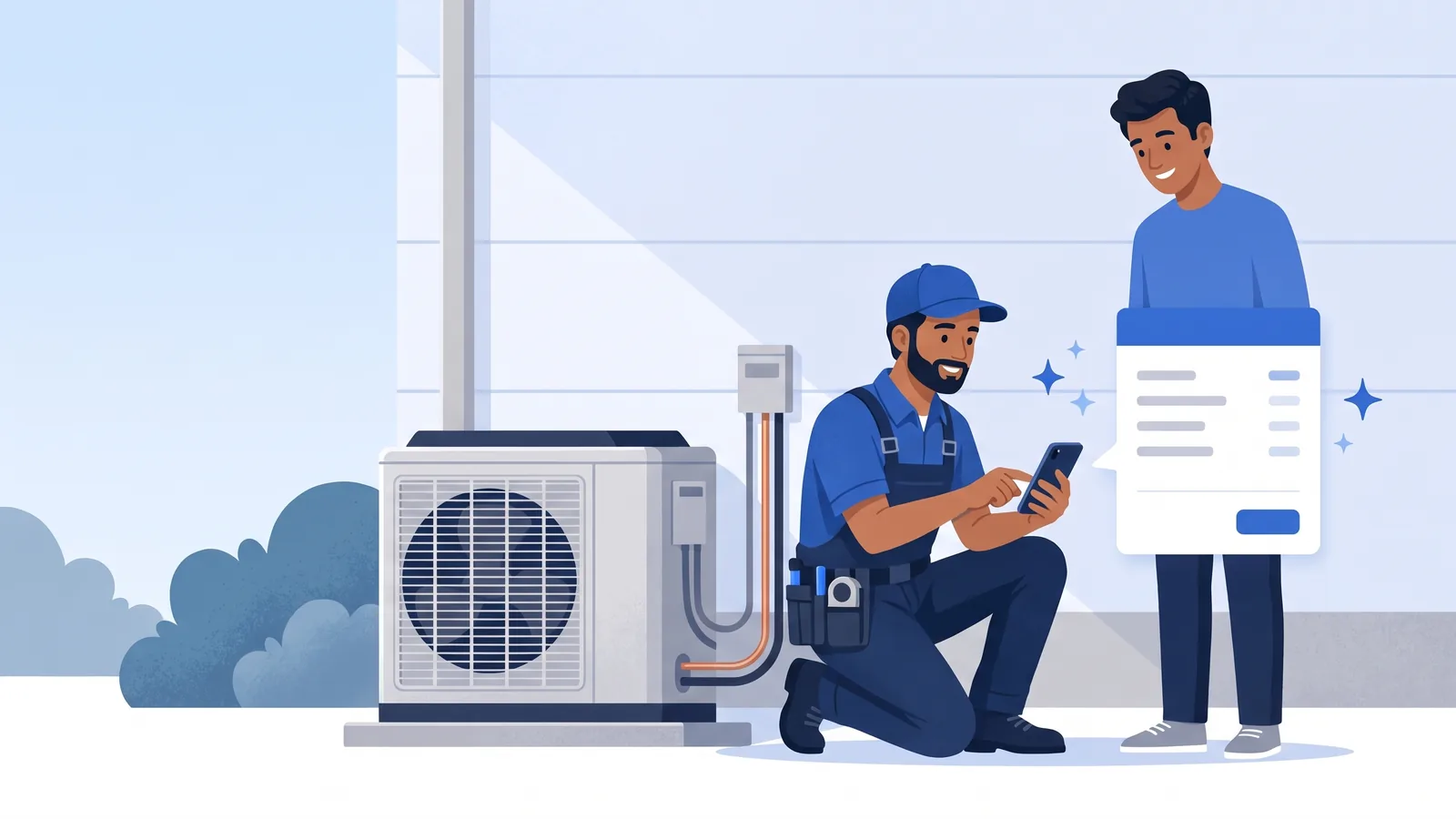
HVAC
“Replace a 3-ton AC condenser and matching evaporator coil in the same spots. New line set, pad, disconnect and permit.”
Electrical
“Replace a 100 amp panel with a 200 amp panel and new meter base in a single-family house. Permit and inspection included.”
Handyman
“Patch three fist-size holes in drywall, hang two interior doors, and mount four shelf brackets in the living room.”
Flooring
“Install 450 sq ft of LVP in the living room and hallway. Remove old carpet and pad, install new baseboards.”
Landscaping
“Build a 20 x 12 ft paver patio: remove sod, base prep, pavers, polymeric sand, and a 30 ft garden bed border with mulch.”
What it is good at, and what it does not replace
Good at
- Getting the scope down while you are still standing in the room
- Remembering the lines that are easy to forget: prep, protection, disposal, cleanup
- Splitting a job into groups the customer can read
- A first draft for a job type you quote rarely
Does not replace
- Your prices. The unit prices are general; replace them with your own rates before you send
- Measurements. It works from the sizes you give it and does not measure anything from a photo
- Code, permits or engineering. It does not know your jurisdiction
AI estimate vs a template
A template gives you an empty table. The AI draft gives you a filled one, organized the way the job runs, which is faster to correct than to write from nothing. The trade-off is that you have to read every line: a draft that looks finished is easier to send without checking than a blank page.
If you quote the same job every week, your own price list will beat any draft. The AI earns its place on the jobs you quote a few times a year, and on the ones you would otherwise put off writing until the evening.
Which estimate apps have AI?
Checked on each app’s own pages; the full comparisons are linked.
| App | AI estimates |
|---|---|
| Invocket | Yes. Describe the job, answer a few questions, get an itemized draft; included in the one plan |
| Joist | No AI drafting. AI rewrites your notes into estimate descriptions; AI Receptionist is a paid add-on from $49/month |
| Invoice Fly | Not stated. AI is offered for logos, marketing and emails; Speech to Invoice fills an invoice by voice |
| Jobber | Yes. AI drafts quotes from a request using your templates and past quotes (Connect and up); create quotes by voice on all plans |
| Invoice Simple | Not stated for estimates. AI makes quick invoices from a typed or spoken prompt |
| Invoice2go | Not stated |
| SimplyWise | Yes. Photos and a description become an itemized estimate with material and labor costs; in-app subscription |
| Invoice Maker ▸ Estimate App | Not stated |
| Square Invoices | Not stated for estimates. AI can write clauses for Square Contracts |
| Housecall Pro | Partly. AI writes the estimate summary from your line items and price book descriptions; no AI pricing stated |
ChatGPT vs an estimator built into the app
You can ask a general chatbot to list the tasks for a job, and it will. The work starts after that: copying the lines into an estimate, adding quantities and units, your numbering, terms, tax and a deposit, and making a PDF the customer can accept. Estimate with AI does the drafting inside the estimate editor, so the output is already an estimate, not a text to retype.
What it costs
Estimate with AI is included in the one Invocket plan, $8.99 a week or $98.99 a year after a free trial. There are no AI credits, no add-on and no higher tier to unlock it. In our examples a draft took 3 to 12 seconds.
Prices to check a draft against
Questions about AI estimates
What is an AI estimate generator?
Software that turns a written description of a job into a draft estimate with line items, quantities and prices. In Invocket you describe the job, answer a few short questions, and get an itemized draft you edit and send like any other estimate.
Is AI estimating accurate?
It is as accurate as the description and sizes you give it, and its prices are general, not local. Treat the draft as a checklist and a first pass: keep the structure, then put your own rates and quantities on every line before the customer sees it.
Does Estimate with AI work offline?
No. Drafting the estimate needs a connection, because the description and any photos you add are sent to an AI provider (OpenAI) to write the draft. Everything else in Invocket, including editing, the PDF and sending later, works offline.
What happens to the job description and photos?
They are sent to OpenAI, the AI provider behind the feature, only to draft the estimate, as the privacy policy describes. The estimate itself, your customers and your documents are stored on your iPhone, not in an account, because Invocket has no account.
Is Estimate with AI an extra charge?
No. It is part of the one Invocket plan: $8.99 a week or $98.99 a year after a free trial.
Can I still write estimates by hand?
Yes. When you start a new estimate you choose Estimate with AI or Fill it in myself. Both end in the same editor and the same PDF.
Can ChatGPT write a contractor estimate?
It can write a list of tasks and rough prices, but you then retype it into an estimate, add your numbering, terms, deposit and tax, and turn it into a PDF. A built-in estimator puts the draft straight into the estimate editor, so the lines, quantities and prices are already fields you can change and send.
Can AI make an estimate from photos of the job?
Invocket takes photos with the description to give the AI more context, but it does not measure anything from them. Give it the sizes you measured; the draft is only as good as those numbers.
Where do the AI’s prices come from?
They are general figures the AI model produces from the job description, not your price list and not local supplier prices. That is why every example on this site compares the draft with published cost data, and why you should replace each unit price with your own rate.

About this page
Invocket Editorial
Written by the team that builds Invocket, an invoicing app for contractors. We check prices and rules against published sources, name them on the page, and update the page when they change. How we write and check these pages.