In short
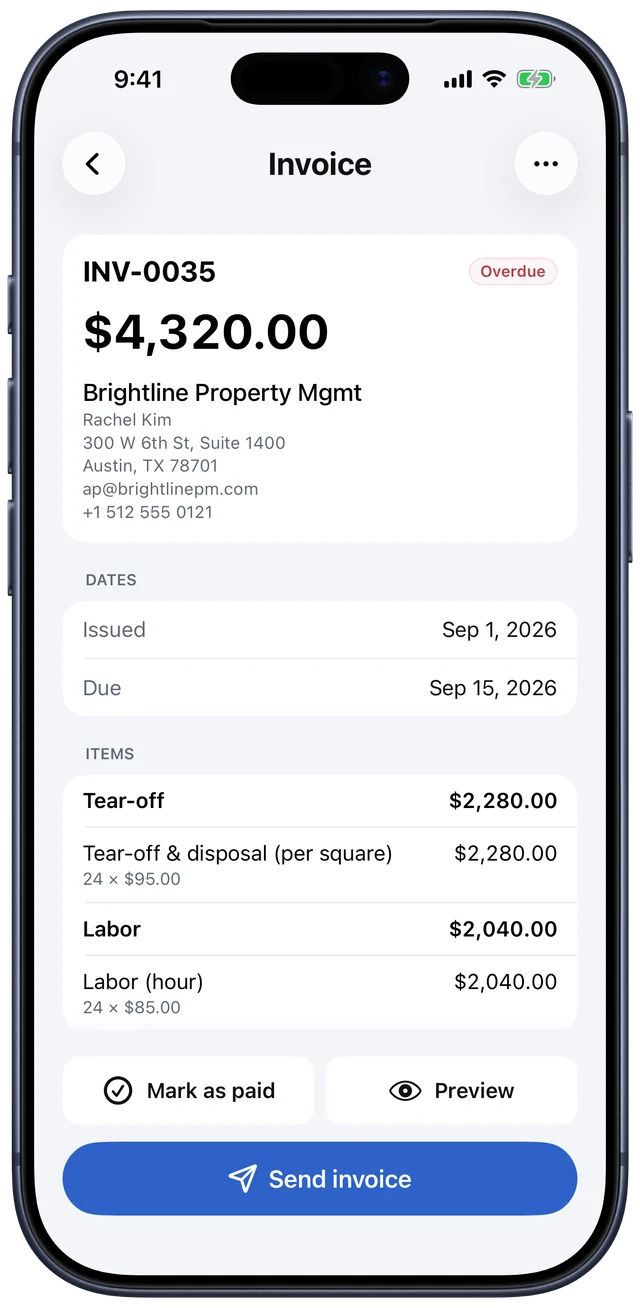
Invocket does not process payments. Your bank, PayPal, card or other payment instructions print on the invoice, the customer pays you directly, and you mark it paid in one tap. The PDF then carries a PAID stamp and the paid date.
On this page
Payment details, set once
Add payment methods to the company once, each with a type (Bank transfer, PayPal, Card or Other), a label and the details exactly as they should print, such as the account name and routing reference. Each invoice starts with all of them selected; untick the ones a customer should not see. They print under Payment details on the PDF.
Draft, Sent, Overdue, Paid
- Mark as sent, or email it from the app and it is marked Sent for you
- A sent invoice past its due date shows as Overdue by so many days
- Mark as paid in one tap, from the invoice or with a swipe in the list; the paid date is today
- Mark as unpaid if you tapped too soon
Proof for the customer
Once an invoice is paid, its PDF carries a large PAID stamp and the paid date, so you can send the customer a paid copy on the spot. There is no separate receipt document.
Who still owes you
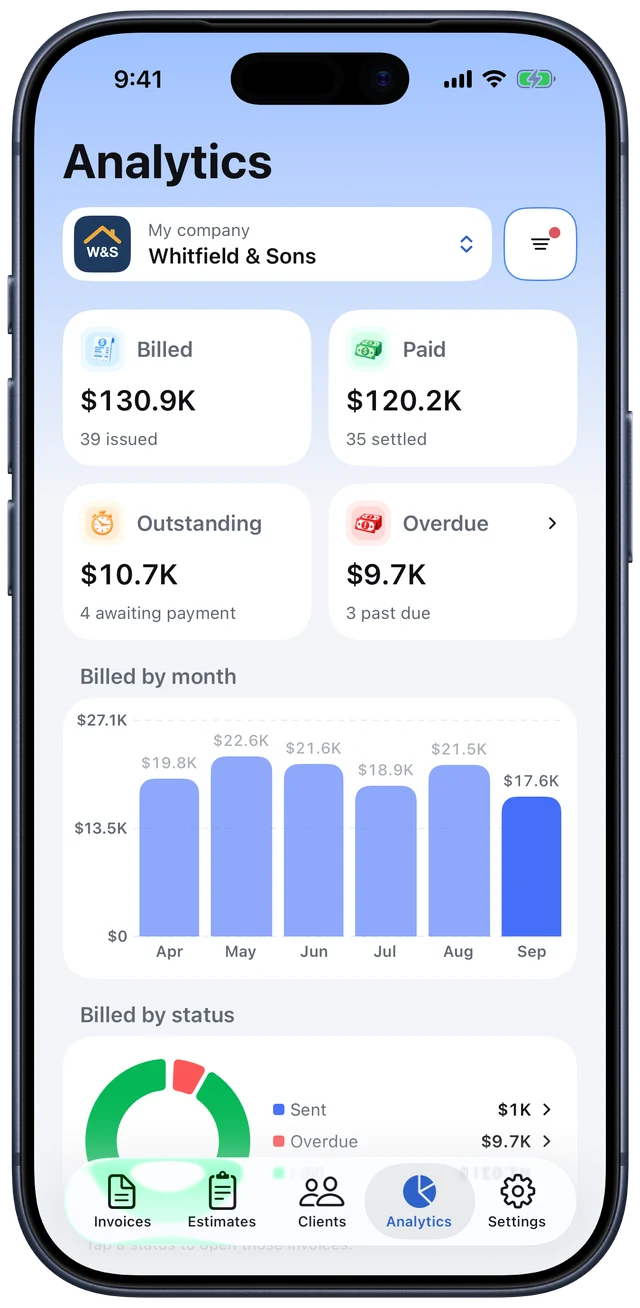
Outstanding totals everything sent and not yet paid, on the Analytics tab and on each client. Tap Overdue on Analytics to open the list of late invoices.
Getting paid: questions
Can I record a partial payment?
No. An invoice is either unpaid or paid in full. To bill in parts, send separate invoices.
Can I record how the customer paid?
Not as a field. You can write it in the notes before sending the paid copy.
Does Invocket send payment reminders?
No automatic reminders. Overdue invoices are flagged with the number of days late; see the Academy article on a reminder schedule that works.

About this page
Invocket Editorial
Written by the team that builds Invocket, an invoicing app for contractors. We check prices and rules against published sources, name them on the page, and update the page when they change. How we write and check these pages.