In short
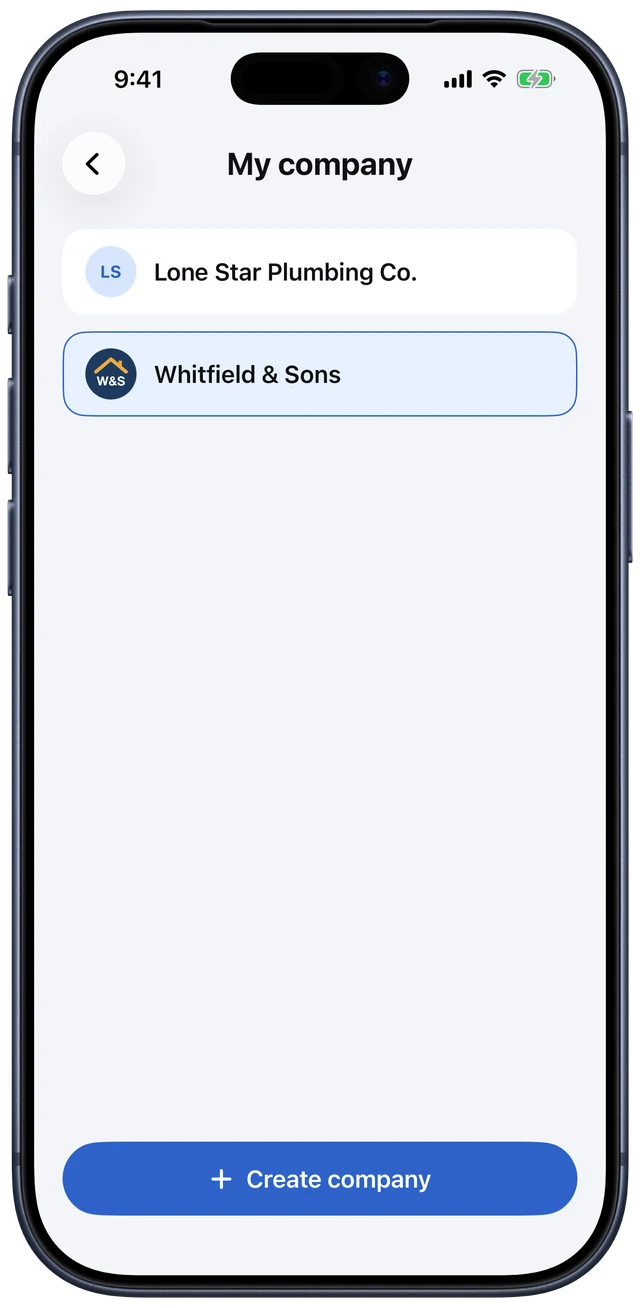
With the subscription, Invocket holds several companies. Each has its own details, logo, stamp, template and color, invoice numbering and estimate series, due days, tax default, currency, payment methods, clients, categories and documents.
On this page
Everything separate
- Company details printed in the sender block
- Logo, stamp, template and accent color
- Invoice prefix and next number, plus a separate estimate series
- Default due days, tax rate and currency
- Payment methods
- Clients, categories, invoices and estimates
Switch in one tap
Pick the active company from the top of the Invoices, Estimates or Analytics tab. Every list and chart then shows only that company; a customer of one never sees the other.
Multiple companies: questions
How many companies can I add?
The free plan includes one company. The subscription removes the limit.

About this page
Invocket Editorial
Written by the team that builds Invocket, an invoicing app for contractors. We check prices and rules against published sources, name them on the page, and update the page when they change. How we write and check these pages.