On this page
You can accept cards on a job with a processor’s reader or phone tap-to-pay, a payment link on the invoice, or a card taken by phone. Published US rates checked in September 2026 range from 2.6% plus 15 cents in person to 3.5% plus 15 cents for keyed Square payments; Stripe lists 2.9% plus 30 cents online. Visa caps credit card surcharges at the lower of your discount rate or 3%, and some states prohibit them.
Your options for taking cards
Set up a processor account, connect the bank account for payouts, and read the provider’s terms for your business and location. A merchant account is the account arrangement that lets a business accept card transactions. Confirm the payout account before you collect a deposit for a water heater replacement.
Reader or tap-to-pay on site
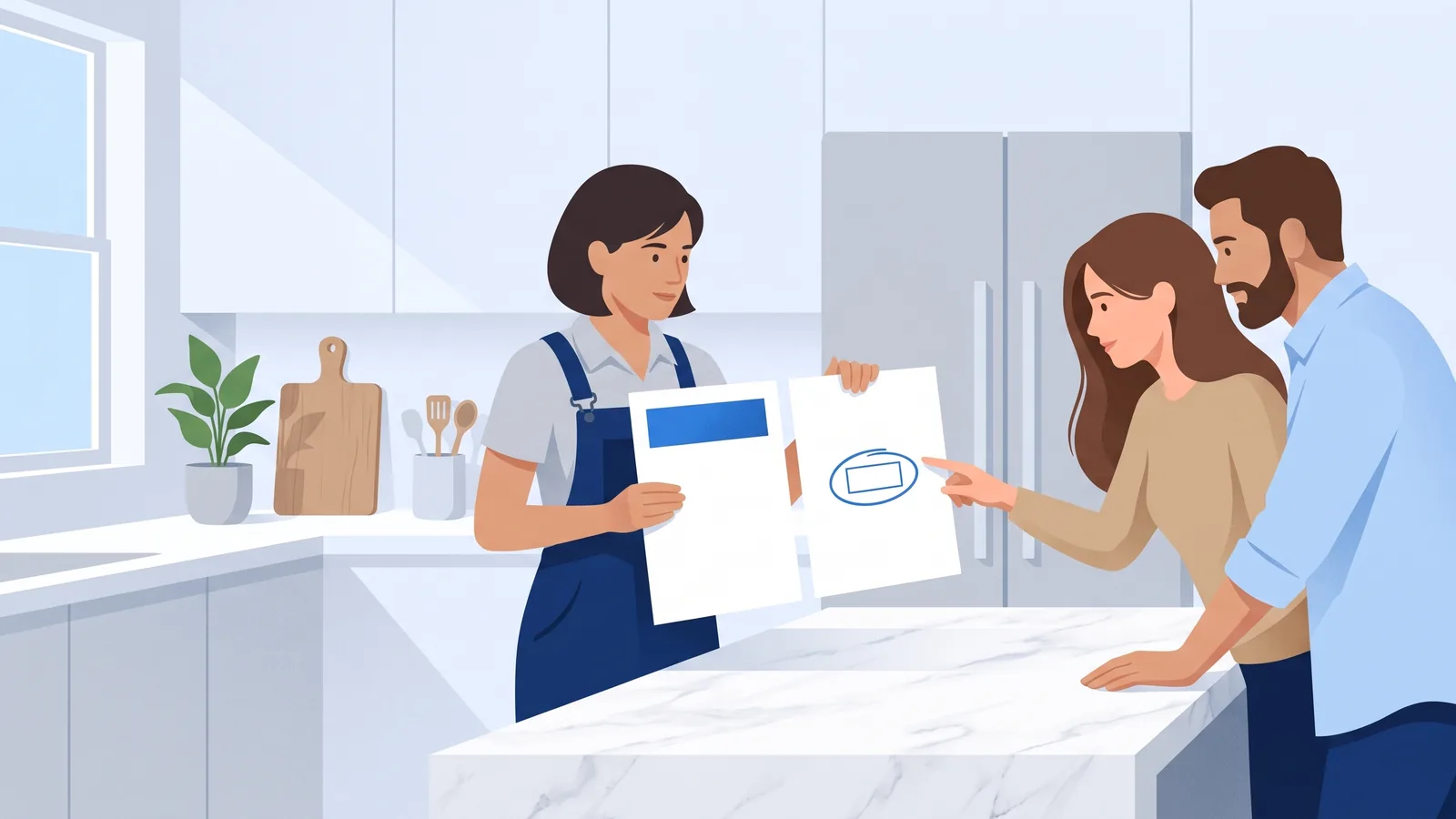
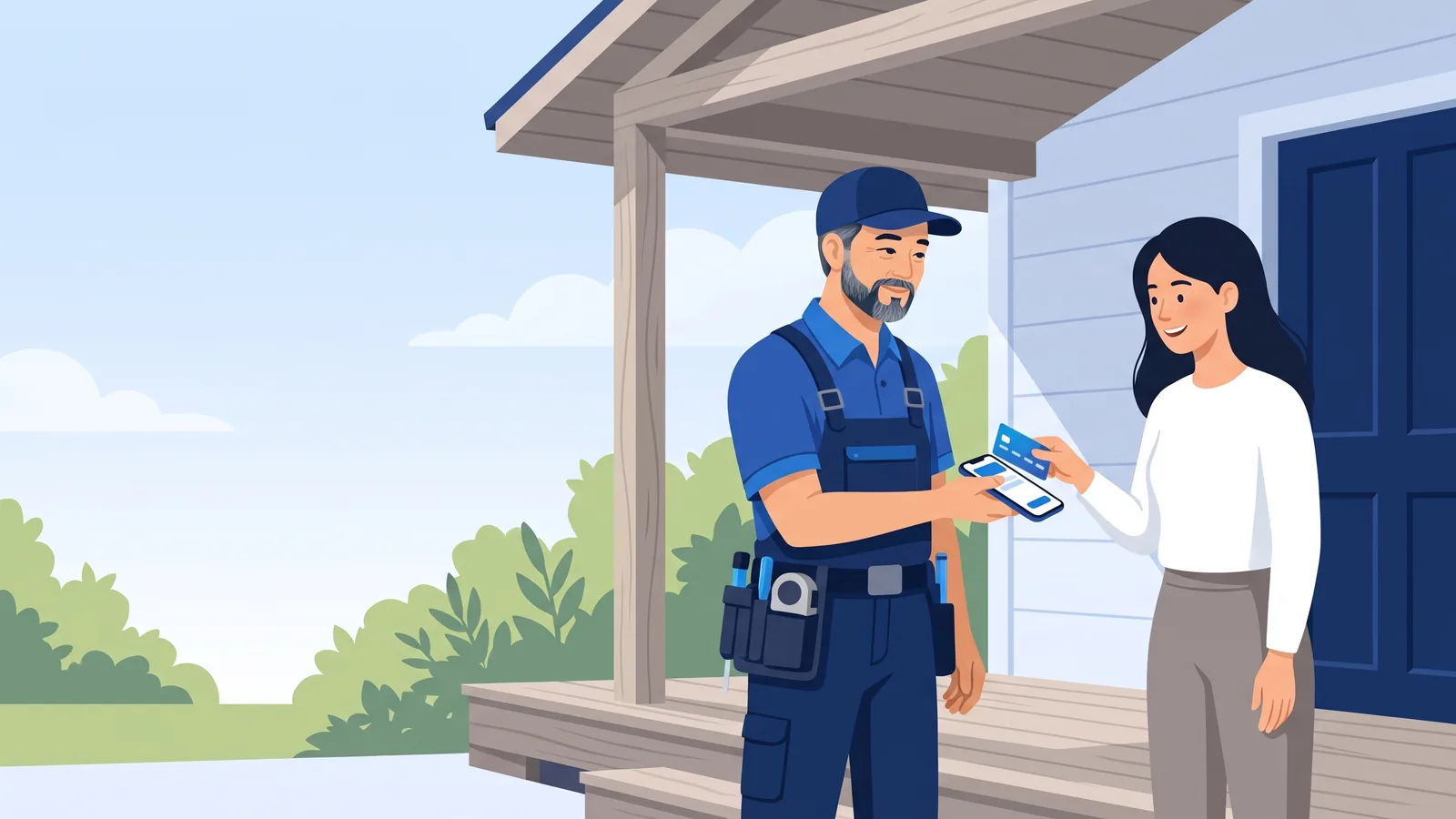
A reader takes a card by chip, swipe, or contactless tap. Some providers let a compatible phone accept a contactless card or digital wallet without a separate reader. At a kitchen remodel, collect a deposit after the customer approves the estimate, then send a receipt. Check device compatibility, connectivity, payout timing, and the in-person rate before buying hardware.
Use a reader while the customer is present when practical. Keep a backup for a dead phone battery or a work site without service, such as sending a secure payment link when you’re back online.
Payment link on an invoice
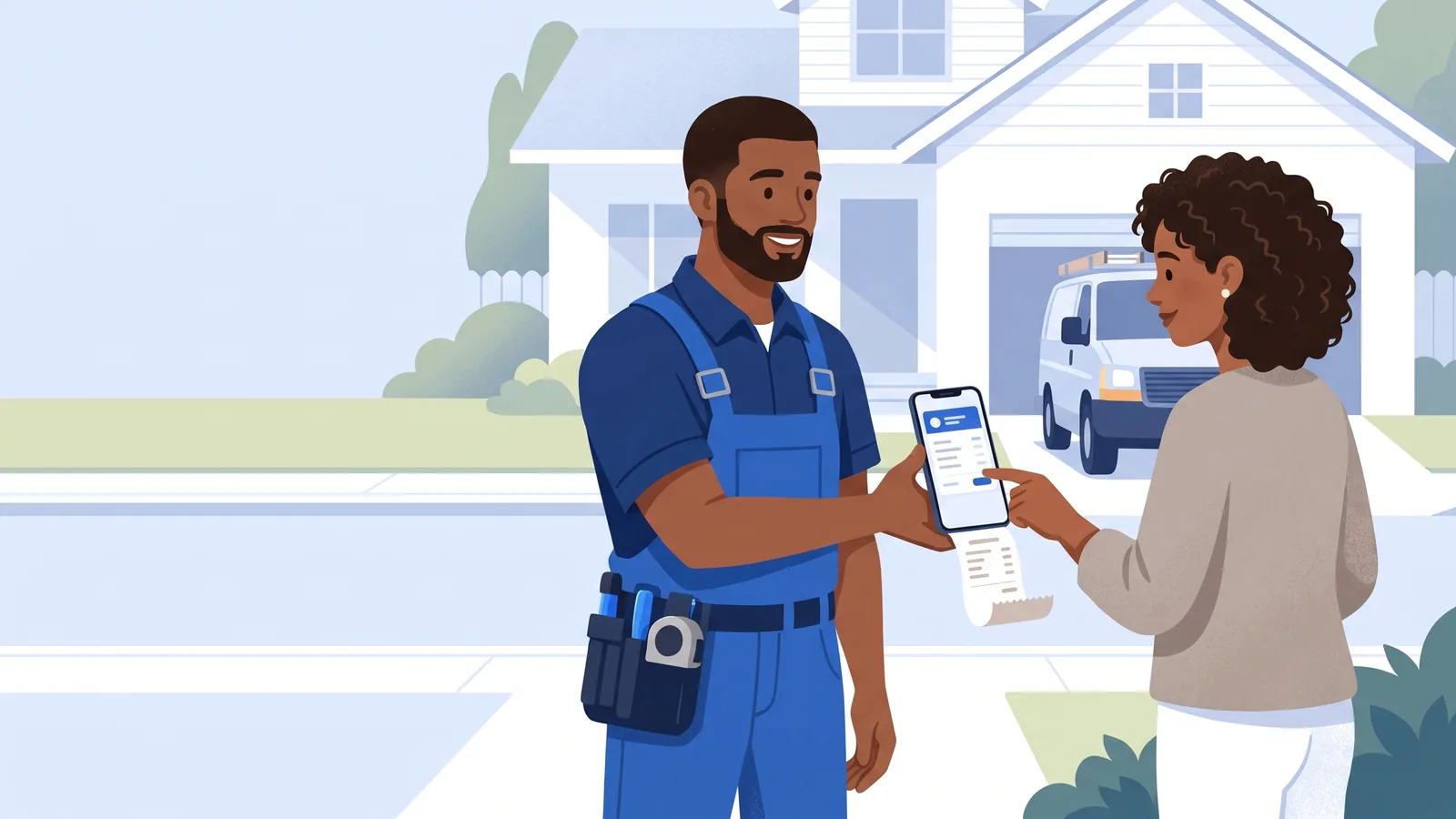
A payment link lets a customer pay from a phone or computer. Add it to an emailed or texted invoice and identify which invoice it pays. This works for a balance due after you leave the site. Confirm whether the processor treats it as an online card transaction and check that rate.
For a job-site workflow, see this guide to invoicing from the job site. Include the invoice number, due date, work description, and amount. Don’t send card numbers in ordinary text or email. Use the processor’s payment page instead.
Card by phone or card on file
When a customer reads a number to you over the phone, you may have to key it into the processor’s virtual terminal. A saved card used for a later invoice is often classified as keyed or card on file. These transactions can cost more than an in-person tap.
Get permission before saving a card or charging it later. Tell the customer when and for what amount you’ll charge. Store card details only through a processor feature built for that purpose. Never write full card numbers on a work order or in a phone note.
What the big processors publish
These are published US rates, not a promise that every account has the same total cost. The rate can depend on the plan, transaction type, card, and other services. Square lists different prices for paid plans; Stripe states extra charges for international cards and currency conversion. Check the current rate page and your agreement before setting prices.
| Processor | Way of paying | Published rate (checked September 2026) |
|---|---|---|
| Square, US Free plan | In person, tap, dip, or swipe | 2.6% + $0.15 |
| Square, US Free plan | Online and invoices | 3.3% + $0.30 |
| Square, US Free plan | Manually keyed or card on file | 3.5% + $0.15 |
| Stripe | Successful domestic card transaction | 2.9% + $0.30 |
| PayPal, US | Card payment through PayPal Checkout | 2.99% + $0.49 |
| PayPal, US | PayPal- or Venmo-funded Checkout and Invoicing payment | 3.49% + $0.49 |
Square’s US Free plan rates come from Square’s published fee page. Square raised its Free-plan online rate from 2.9% plus 30 cents in January 2026. Paid plans list lower rates, so compare the plan price with your payment volume and transaction types.
Stripe’s published pricing lists 2.9% plus 30 cents per successful transaction for domestic cards. International cards add 1.5%, and currency conversion adds 1%.
PayPal’s US business fee page lists card payments through PayPal Checkout at 2.99% plus 49 cents. PayPal- or Venmo-funded Checkout and Invoicing payments are 3.49% plus 49 cents. Check how the customer’s funding source is classified.
What a card fee does to a job
Percentage fees take more dollars from a larger invoice. The fixed cents matter more on a small trip charge. To calculate a fee, multiply the invoice by the percentage, then add the fixed amount.
Say you finish a $6,500 roof repair and expect $1,300 in profit before processing. The calculations use the published example rates above. Use your agreement to calculate your actual costs.
| Payment method and rate used | Fee on $6,500 | Share of $1,300 profit |
|---|---|---|
| In person, 2.6% + $0.15 | $169.15 | About 13.0% |
| Keyed, 3.5% + $0.15 | $227.65 | About 17.5% |
| Online, 2.9% + $0.30 | $188.80 | About 14.5% |
| PayPal card Checkout, 2.99% + $0.49 | $194.84 | About 15.0% |
| 3% credit card surcharge, where allowed | $195.00 added to the bill | Not a processing-cost quote |
The in-person fee is $6,500 multiplied by 0.026, or $169, plus $0.15, for $169.15. Keyed is $227.50 plus $0.15, or $227.65. Online is $188.50 plus $0.30, or $188.80. PayPal Checkout is $194.35 plus $0.49, or $194.84.
Dividing each fee by $1,300 profit gives about 13.0% to 17.5%. A 3% surcharge on $6,500 is $195.00, but check card-network, state, and processor rules before adding it. For help checking a job’s margin and markup, use the markup and margin calculator and read how to price a job.
Ways to keep fees down
- Take an in-person payment when it fits. Compare the reader or phone tap rate with the keyed rate. Use a secure in-person method instead of typing a card number when one is available.
- Offer ACH for a large invoice. An ACH transfer moves money through the bank network. Timing, availability, and fees depend on the service and bank. Verify the deposit before marking the invoice paid.
- Ask for a deposit by bank transfer. Offer this when the customer accepts the estimate and explain how you’ll confirm it. Make sure the customer agrees and the contract allows that payment schedule.
- Price payment costs into your rates. Include expected costs in labor, materials, and overhead rather than adding a separate card line. Review processor statements and update your estimate assumptions.
- Compare transaction types and plans. A lower percentage may not mean a lower total cost if the plan has a monthly price or your payments fall under another rate. Compare the types you use: online invoices, keyed payments, and in-person jobs.
For ways to collect sooner after finishing, see how to get paid faster. List accepted methods on the estimate and repeat the selected method on the invoice.
Can you charge the customer a card fee?
Sometimes, but card surcharges have network requirements and state rules. A card surcharge is an added amount for paying by card. Check the current rule with your processor and state authority before adding one to an estimate, invoice, or checkout screen.
Visa’s US merchant surcharge rules allow surcharges on credit cards only, never debit or prepaid cards. Visa caps the surcharge at the lower of the merchant discount rate or 3%. Disclose it before the transaction, show it on the receipt, and notify the acquirer 30 days before starting. Read Visa’s merchant surcharging rules and ask your acquirer how to register and display it.
State law can be stricter. These examples reflect the listed authorities and rules as of 2026. This list is not exhaustive. Check the law where the sale takes place and ask your processor before collecting a surcharge.
| Rule | What it says | Source |
|---|---|---|
| Connecticut | Prohibits a surcharge on any transaction. | Conn. Gen. Stat. 42-133ff |
| Massachusetts | Prohibits credit card surcharges. | M.G.L. c.140D section 28A |
| Maine | Prohibits credit card surcharges. | 9-A M.R.S. section 8-509 |
| Colorado | Caps a surcharge at the lesser of 2% or the merchant’s actual discount fee. | C.R.S. 5-2-212 |
| New York | Requires the total credit card price, including the surcharge, to be clearly posted; the surcharge cannot exceed what the card company charges the business. | N.Y. General Business Law 518 |
| Other states | Additional state rules may apply. This list is not exhaustive. | Check the state law and your acquirer |
Before you start, confirm that your state permits a surcharge and whether the rule covers your transaction. Give the acquirer required notice, configure the processor setting if available, and test the amount shown to the customer and on the receipt. Don’t surcharge debit or prepaid cards under Visa’s rules.
Surcharge vs cash discount vs pricing it in
A surcharge is an added amount for paying by credit card. A cash discount is a lower price for cash or another permitted method. Pricing it in means setting your normal quote with expected payment costs included, without a separate fee line. The label on an invoice doesn’t decide how a regulator or processor treats it.
Cash discount rules vary by state and processor terms. Ask your processor how prices must be displayed, and check state law before advertising a cash or card price. Show the regular and discounted prices before the customer agrees. Don’t make a surprise adjustment after the work is done.
Including expected costs in a quote is easier to administer than calculating a different checkout fee. Cover labor, materials, overhead, and the payment mix you expect. Review statements over time and update your rates.
Recording card payments against invoices
After a card payment, save the processor’s transaction confirmation and send a receipt. Record the amount, date, method, and any remaining balance against the correct invoice. Record a deposit and final balance separately.
Match processor payouts to bank deposits. A payout can combine transactions or arrive after the charge date, so compare its details with the bank statement. The free receipt maker can prepare a receipt, and this glossary explains Form 1099-K.
A customer may dispute a charge, so keep the approved estimate, change orders, invoice, completion notes, and relevant messages. A chargeback is a card transaction reversal after a customer dispute. Respond by the deadline in the processor’s notice and provide records that connect the payment to the agreed work.
Invocket doesn’t process card payments; it prints the payment details you enter, and you mark the invoice paid once the money arrives. Take payment through your processor and confirm it in the processor’s records. Invocket has no partial-payment status, so track any part-payment and the remaining balance in your own records.
FAQ
Can I take a card payment at a customer’s home?
Yes, if your processor method works there, such as a compatible reader or phone tap-to-pay. Check device compatibility and connectivity before the appointment. If service is unavailable, send a processor-hosted payment link later instead of writing card details down.
Are keyed card payments more expensive?
They can be, depending on the provider’s published rates and your account terms. Square’s US Free plan lists keyed and card-on-file payments at 3.5% plus 15 cents, compared with 2.6% plus 15 cents in person. Check the transaction classification on your statement.
Can I add a surcharge to a debit card?
No. Visa’s US merchant surcharge rules prohibit surcharges on debit and prepaid cards. State law may also prohibit or limit surcharges. Ask your acquirer how checkout identifies eligible cards.
Should I charge a card fee on every invoice?
First check state law, card-network rules, and your processor agreement. If permitted, follow the notice, disclosure, cap, and receipt requirements for each eligible transaction. You can also price expected payment costs into your quote.
How do I show a card payment on an invoice?
Record the date, amount, and payment method, then show any unpaid balance. Send a receipt that identifies the payment without including full card details. Match processor payouts to bank deposits separately.

About this page
Invocket Editorial
Written by the team that builds Invocket, an invoicing app for contractors. We check prices and rules against published sources, name them on the page, and update the page when they change. How we write and check these pages.